Release Notes vs. Changelog: What's the Difference and Do You Need Both?
A changelog is a cumulative technical record; release notes explain one release to users. Who each is for, what goes in them, where GitHub Releases fits, and how to write both without doing it twice.
The short answer
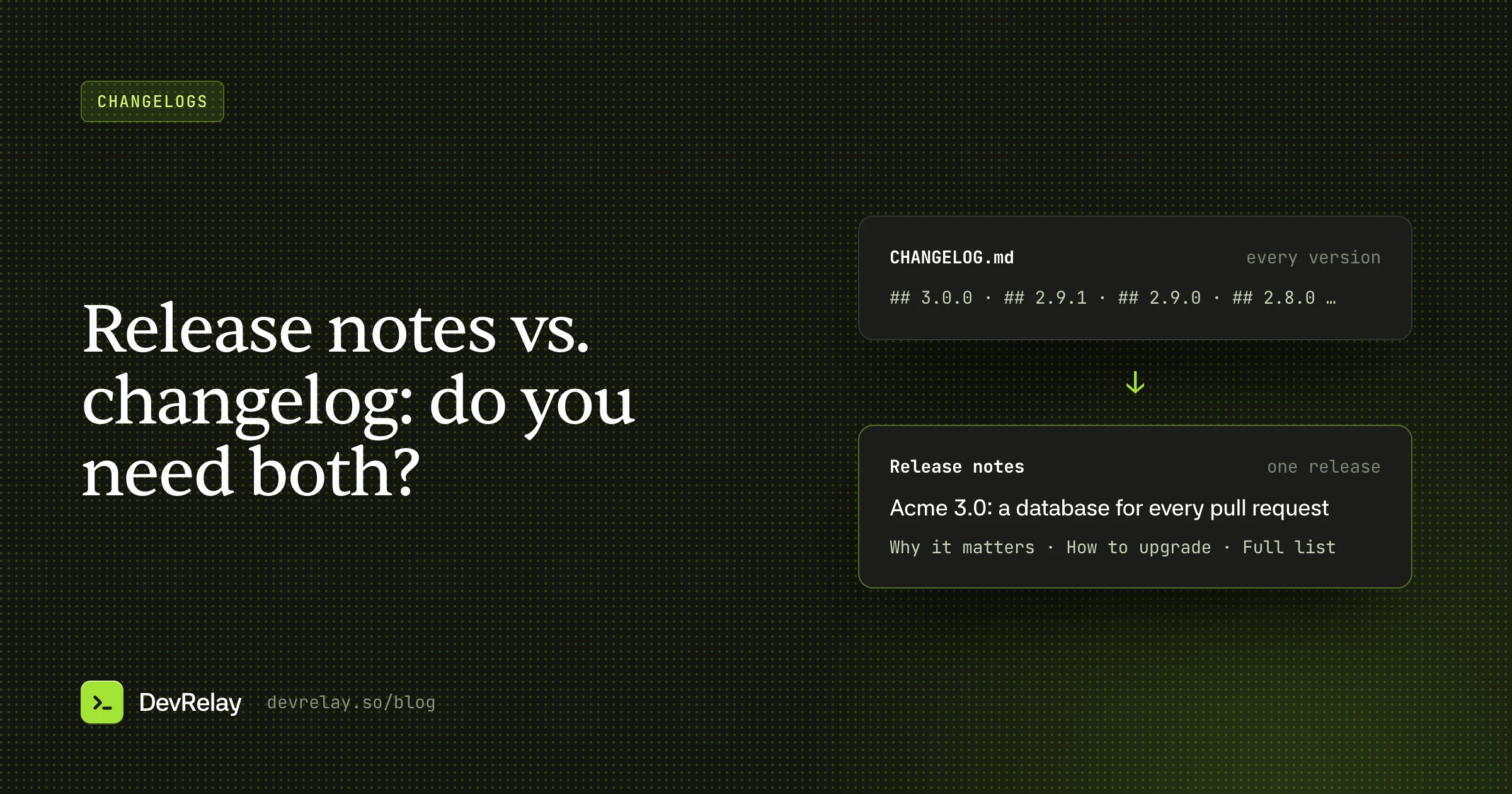
A changelog is a complete, cumulative list of notable changes in every version, written for developers upgrading. Release notes describe one release to its users: what's new, why it matters and what to do. Libraries can often get by with a changelog; products with a growing user base need both.
Key takeaways
- A changelog is a reference; release notes are an announcement.
- GitHub's generated notes are closer to a changelog than to release notes.
- Write in order: changelog, then release notes, then the announcement.
- Announce from a tagged release, never from a merge.
"Release notes" and "changelog" get used interchangeably, and on a small project that's fine. But as soon as you have users who aren't also contributors, the two start pulling in different directions. One is a complete technical record; the other is a story about a single release. Trying to make one document do both jobs is why so many changelogs read like marketing and so many release notes read like git log.
This post explains the difference between release notes and a changelog, who each one is for, what goes in them, and how to produce both without writing everything twice.
The difference in one table
| Changelog | Release notes | |
|---|---|---|
| Covers | Every version, cumulatively | One release |
| Reader | Developers upgrading, maintainers, contributors | Users of the product, including non-developers |
| Question it answers | "What changed between the version I have and this one?" | "What's new, why should I care, and what do I do?" |
| Completeness | Every notable change | The changes that matter to users, with context |
| Tone | Terse, factual, one line per change | Explanatory, sometimes with examples or screenshots |
| Lives in | CHANGELOG.md, a docs page | GitHub Releases, a blog post, an email, in-app |
| Lifespan | Permanent, append-only | Read around the release, then archived |
The short version: a changelog is a reference; release notes are an announcement. The changelog is what someone searches through when they're upgrading from 2.3 to 2.8. Release notes are what someone reads the day 2.8 comes out.
What a changelog is
A changelog is a single, cumulative file that lists the notable changes in each version, newest first, grouped by type. Most projects follow some version of Keep a Changelog: sections like Added, Changed, Deprecated, Removed, Fixed and Security under each version heading.
A changelog entry is:
- Complete, in the sense that every user-visible change appears.
- Terse: one line per change, no narrative.
- Stable: you add to it; you don't rewrite old entries.
- Written for someone upgrading, who needs to spot breaking changes and relevant fixes quickly.
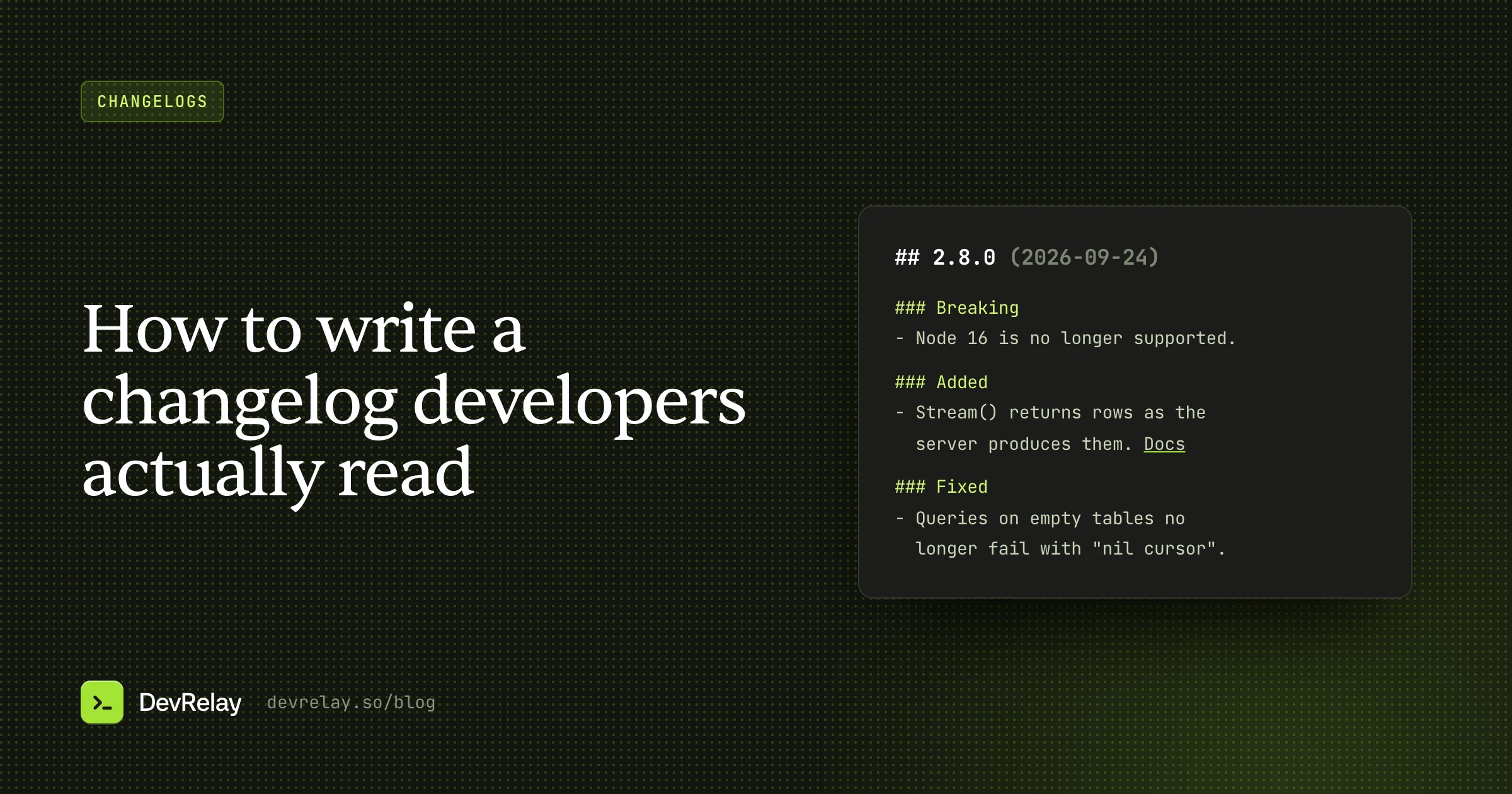
## 3.0.0 (2026-09-24)

### Breaking
- `--seed` is removed. Use `--data-sample`. [Migration guide](#)

### Added
- Database branches: every pull request gets its own database. [Docs](#)

### Fixed
- `acme branch create` no longer hangs on databases over 50 GB.
We cover how to write one in detail in how to write a changelog developers actually read.
What release notes are
Release notes describe one release to the people who use your product. They're allowed to be selective and explanatory. A good set of release notes:
- Leads with what matters most, which is usually the headline feature or the breaking change, not whatever merged first.
- Explains why, not just what: the problem the release solves, in the user's terms.
- Shows it: a code example, a screenshot, a before-and-after.
- Says what to do: how to upgrade, what to change, where to read more.
- Links to the changelog for the complete list.
# Acme 3.0: a database for every pull request

Until now, every pull request on your team shared one staging database,
so migrations collided and test data went stale.

Acme 3.0 gives each pull request its own database branch, created
when the PR opens and deleted when it merges.

    acme branch create --from main

## Upgrading
`--seed` has been replaced by `--data-sample`. See the migration guide.

Full list of changes: CHANGELOG.md
Notice what changed between the two. The changelog line about branches became three sentences with a problem, a solution and an example. The typo fix and the hang fix didn't make the release notes at all; they're in the changelog for anyone who needs them.
Where GitHub Releases fits
GitHub Releases is where the two formats most often collide. A GitHub release has a tag, a title and a body, and people watching your repository get notified when you publish one.
GitHub can generate release notes automatically: it lists the pull requests merged since the previous release, with their authors, and a link to the full diff. You can group them into categories by label with a .github/release.yml file.
That generated list is useful, but it's closer to a changelog than to release notes. It's organized by pull request rather than by user impact, titles are written for reviewers, and nothing explains why the release matters. A good pattern is:
- Start from the generated list.
- Add a short summary at the top: the one or two things this release is about, with an example.
- Put breaking changes and upgrade steps in their own section.
- Keep the generated PR list below as the detail.
Do you need both?
It depends on who uses your product.
A small library used mostly by developers who read code: a well-kept CHANGELOG.md, copied into each GitHub release body, is often enough. Your users are the upgrade-minded reader the changelog is written for.
An SDK, API, database or platform with a growing user base: you need both. The changelog serves people upgrading. Release notes (a GitHub release summary plus a short post on your blog or docs) serve people deciding whether the release is worth their attention, and they're what you link to when you announce it.
A hosted product that ships continuously: you may not have versions at all. A dated changelog page ("September 24: branch databases") with release-note-style entries for big changes usually works better than separate documents.
How to produce both without writing everything twice
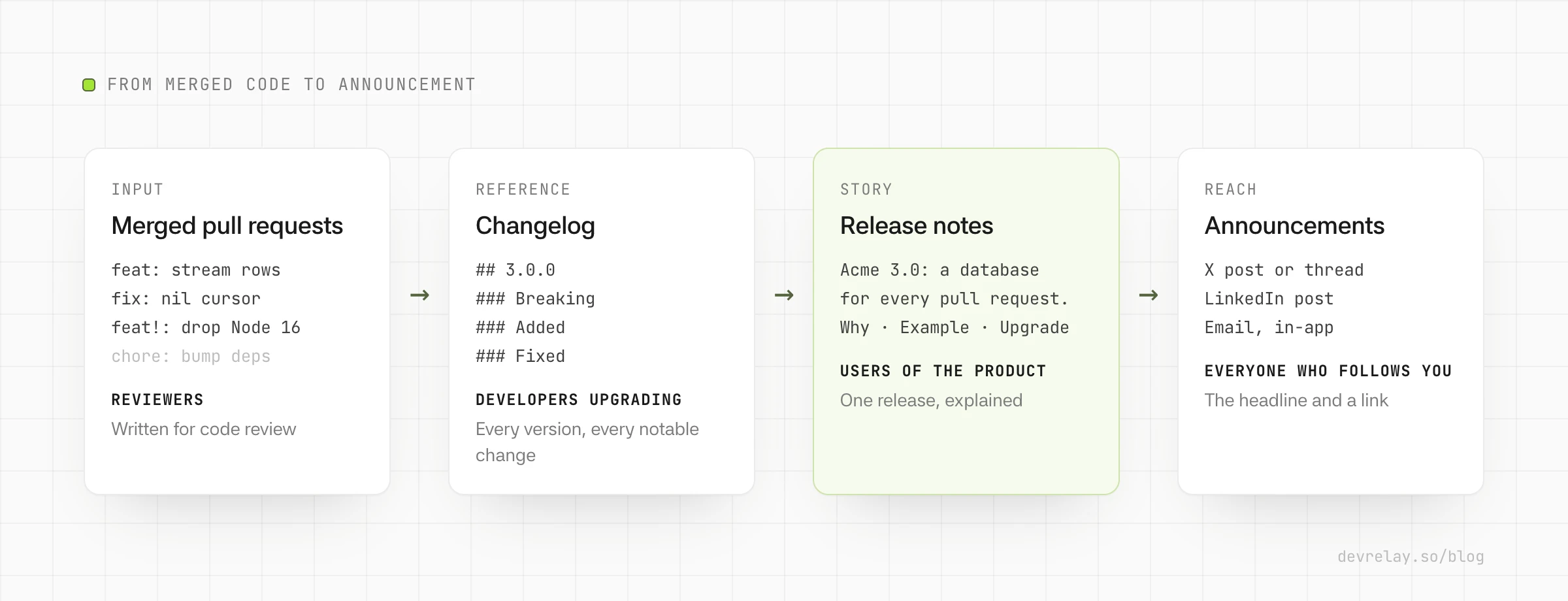
The trick is to write them in order, each from the one before:
- Capture changes as they merge. A changelog line in each pull request, or Conventional Commits you can sort by type, so the raw material exists before release day.
- Cut the changelog entry at release time. Group, order and edit those lines into the version's entry. This is the complete, factual record.
- Write release notes from the changelog entry. Pick the lines that matter, add the why and an example, and move the upgrade steps up front.
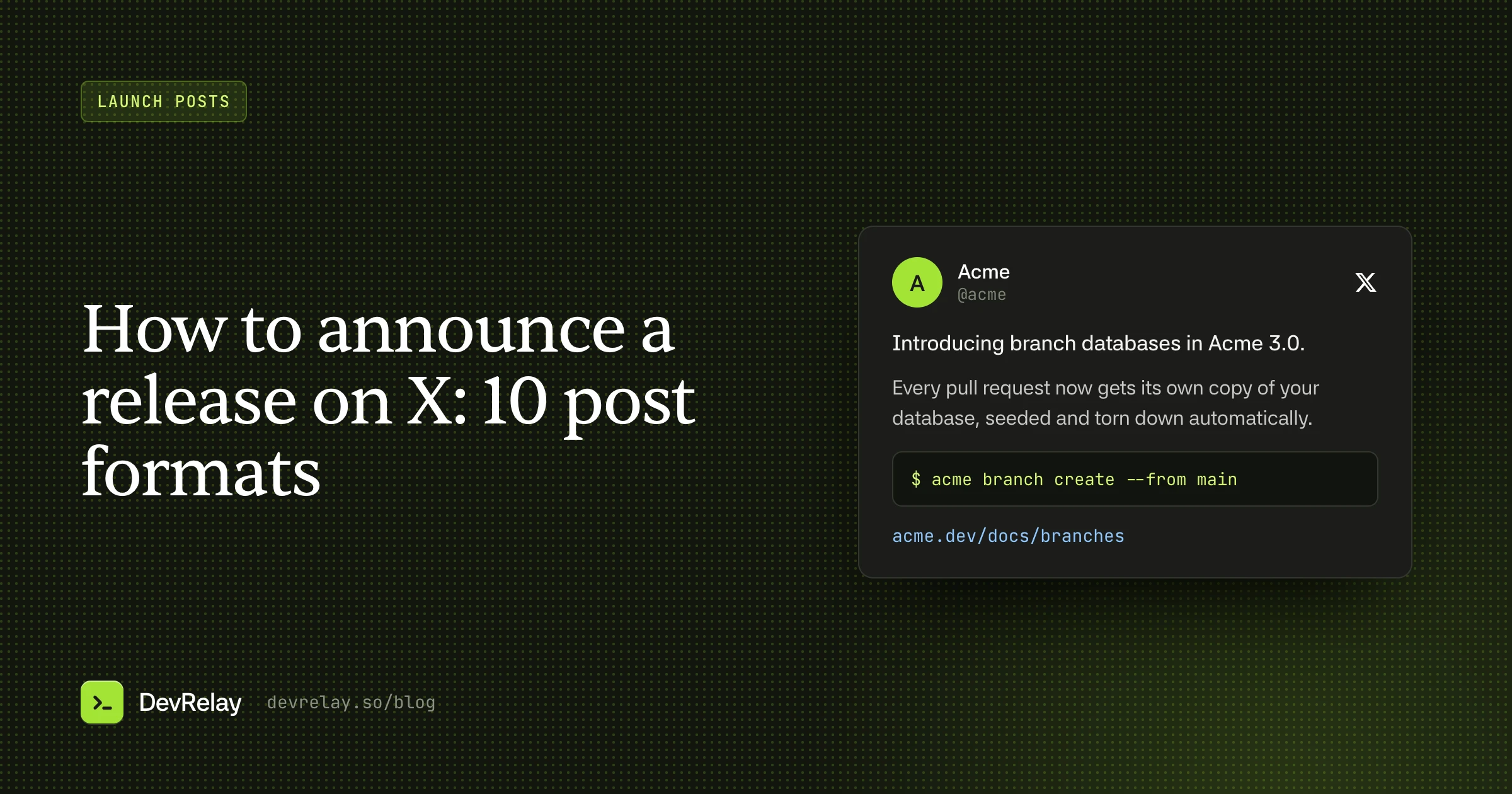
- Write the announcement from the release notes. A post on X or LinkedIn is the release notes' headline, one supporting detail and a link. We cover formats for that in how to announce a release on X.
Working in that order means every public claim traces back to the changelog, and the changelog traces back to merged code. It also means nothing gets announced that isn't actually in a release, which is easy to get wrong when announcements are written from pull requests instead.
Merged is not released. A merged pull request might not ship for days or weeks. Write release notes and announcements from what's in a tagged release, not from what merged, or sooner or later you'll announce something users can't install yet.
Common mistakes
- Release notes that are just the changelog. A list of 40 one-liners with no summary tells users you shipped a lot, but not what they should care about.
- A changelog written like release notes. Adjectives, excitement and screenshots in
CHANGELOG.mdmake it harder to scan for the one breaking change someone is looking for. - Burying breaking changes. In both documents, anything that requires action goes first.
- Release notes with no link to the full list. People who need every detail should be one click away from it.
- Inconsistent versions. The version in your release notes, changelog, tag and package registry should always match.
How DevRelay handles both
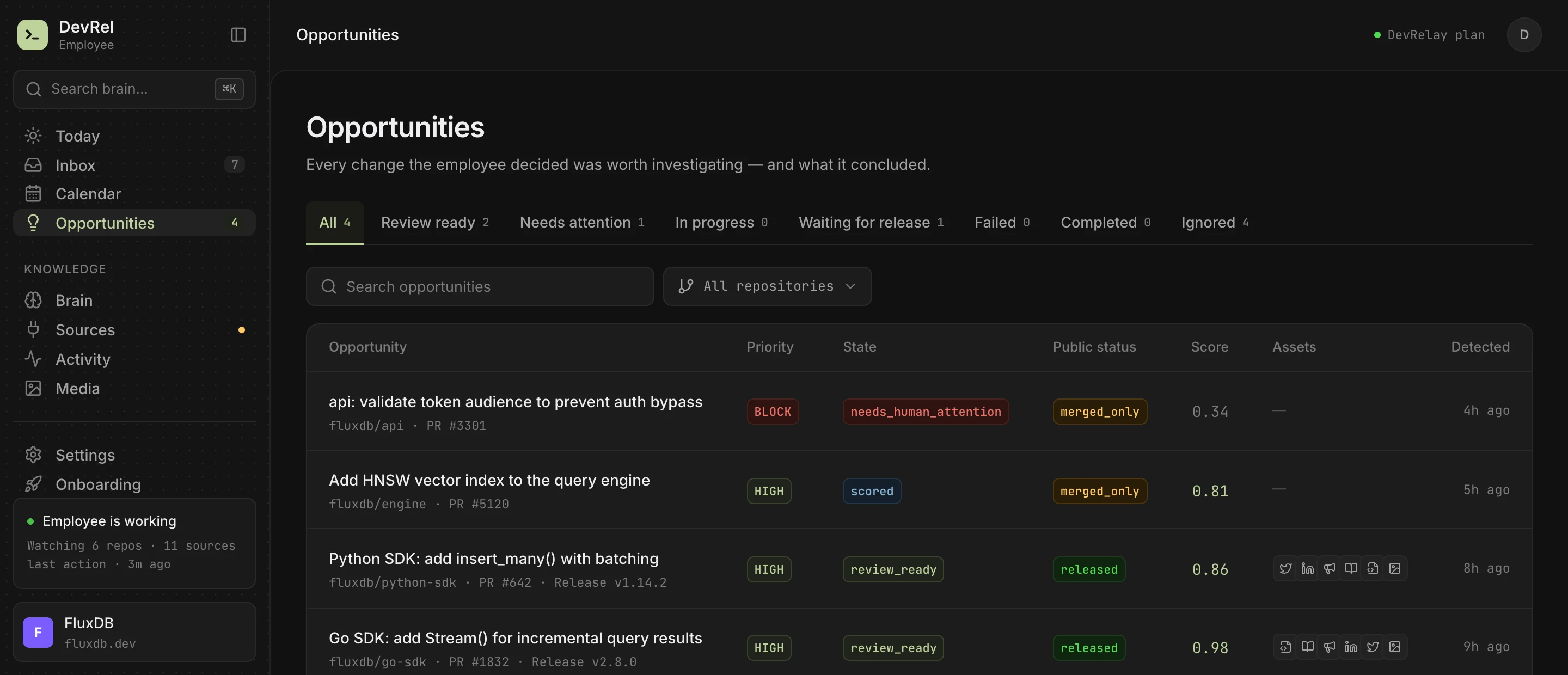
DevRelay writes both from the same evidence. When a release ships, it drafts a changelog entry for every public change. For a high-priority change in a tagged release, it also drafts a longer release announcement: what's new as a list, plus a code example from the change when there is one. Posts for X and LinkedIn are drafted from the same evidence, so every channel says the same thing.
Every claim in every draft is checked against the diff and the release before you see it, and nothing is published until you approve it.
Frequently asked questions
Are release notes and a changelog the same thing?
No. A changelog covers every version cumulatively and lists every notable change tersely. Release notes cover one release, pick the changes that matter to users and explain them with context and examples.
Do I need both release notes and a changelog?
A small library used by developers who read code can often use its changelog as release notes. SDKs, APIs and platforms with a growing user base usually need both: the changelog for upgrades, release notes for the announcement.
Are GitHub's generated release notes enough?
They're a good start. GitHub lists the pull requests merged since the last release and can group them by label, but it doesn't explain why the release matters. Add a short summary and upgrade steps above the generated list.