Semantic Versioning (SemVer): Rules, Ranges and Examples
SemVer explained: when to bump major, minor or patch, 0.x and 1.0.0, pre-releases, sort order, npm caret and tilde ranges, the regex, and CalVer.
The short answer
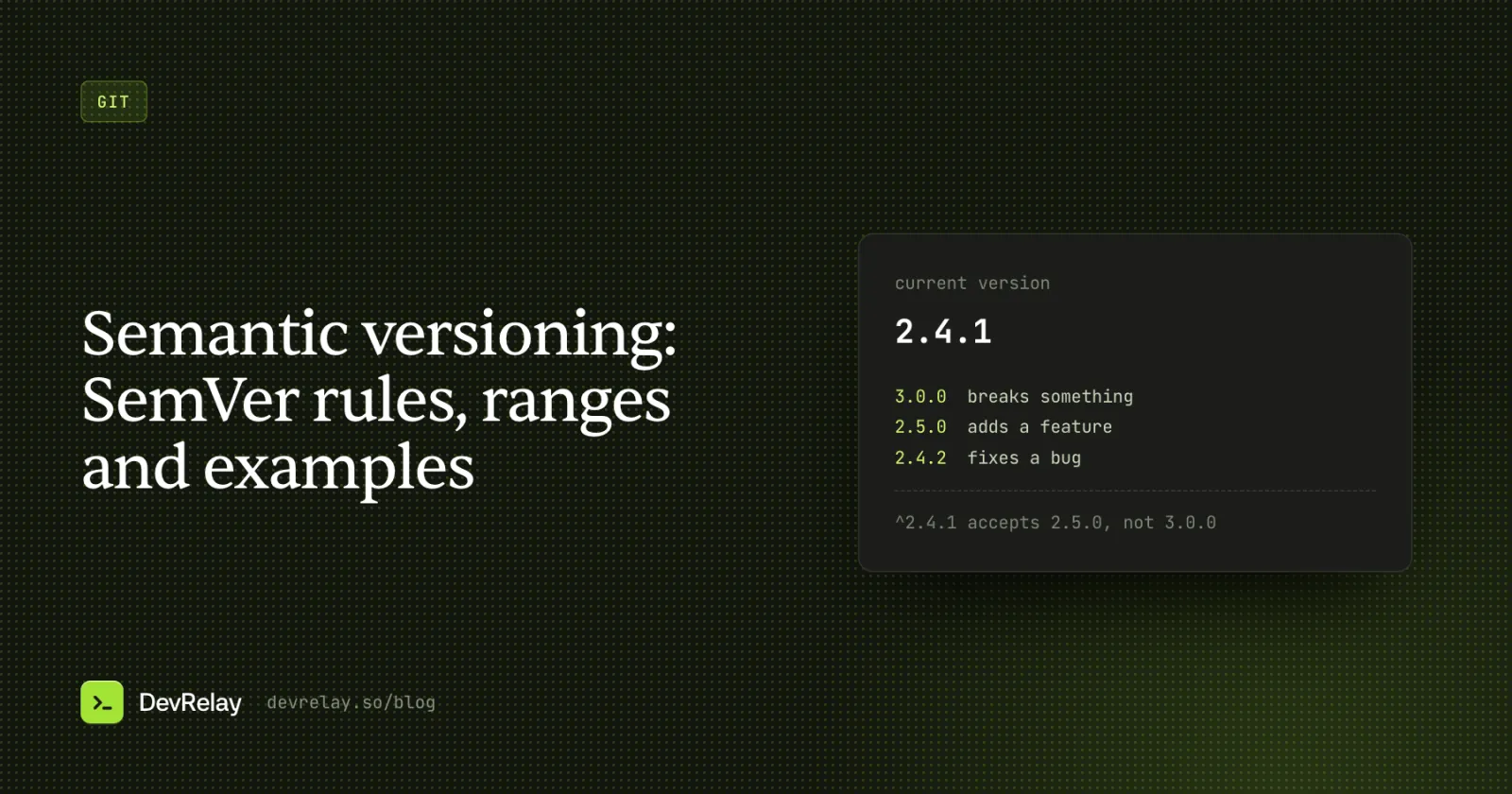
Semantic Versioning (SemVer) numbers a release MAJOR.MINOR.PATCH. Bump major when a change breaks something people depend on, minor when you add something without breaking anything, and patch for a backward-compatible bug fix, resetting the numbers to the right to zero. Pre-releases like 1.0.0-beta.2 sort before the release they lead to.
Key takeaways
- Breaking change: major. New feature or a deprecation: minor. Fix: patch. The highest bump in a release wins.
- 0.y.z is initial development; if people use it in production, it should already be 1.0.0.
- A released version never changes: fix a mistake with a new version, never a re-tag.
- npm saves ^ by default: ^1.2.3 takes minor and patch updates, ~1.2.3 takes patches only.
Semantic Versioning, or SemVer, is a rule for version numbers: MAJOR.MINOR.PATCH. You bump major when you break something people depend on, minor when you add something without breaking anything, and patch when you fix a bug without breaking anything. So 2.4.1 → 3.0.0 warns of a break, 2.4.1 → 2.5.0 brings something new, and 2.4.1 → 2.4.2 is a safe fix.
That's the core. The parts people look up are the rest: what counts as "breaking", what 0.x means, how pre-releases like 1.0.0-beta.2 sort, what ^ and ~ do in a package.json, and how to get the number right without arguing about it every release. This page covers all of it, with examples from a made-up help desk product called Acme.
The SemVer format
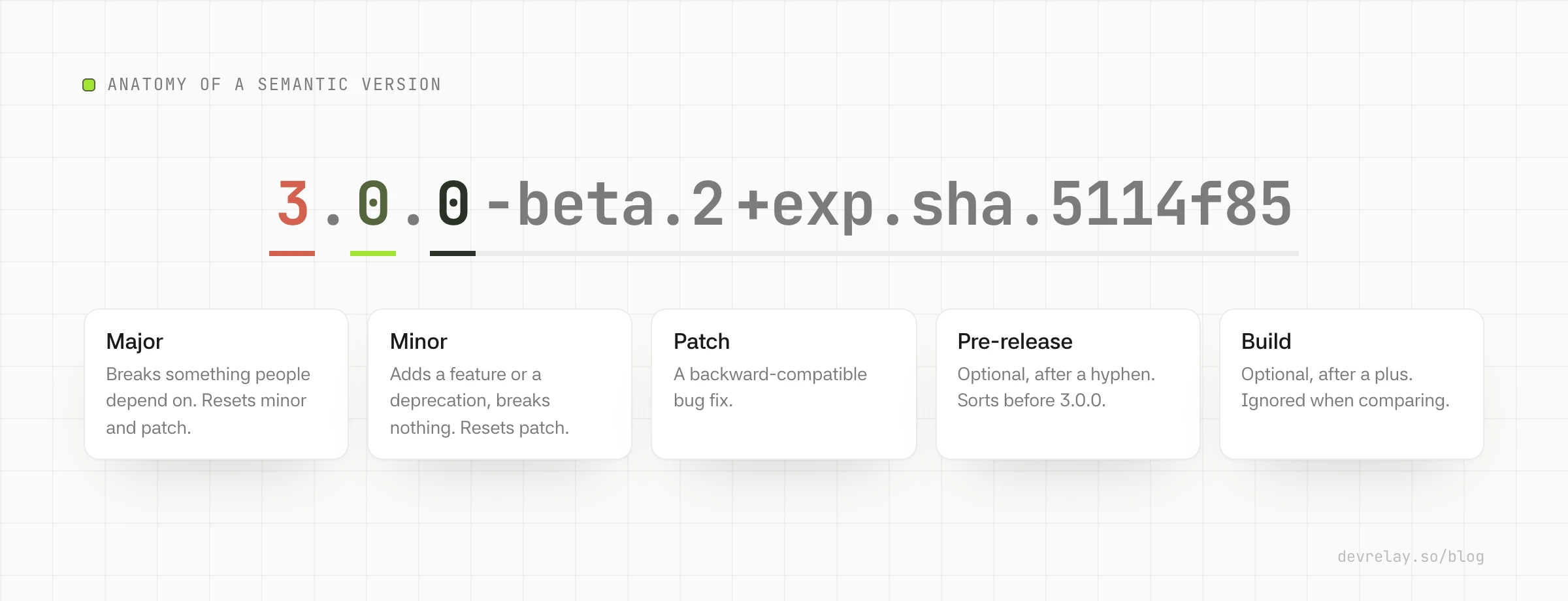
A semantic version is three numbers with dots, plus two optional parts:
MAJOR.MINOR.PATCH[-PRERELEASE][+BUILD]Some real ones:
2.4.1
3.0.0-beta.2
3.0.0+20261026
The Semantic Versioning 2.0.0 specification sets the rules. The ones that matter day to day:
- The numbers are non-negative integers with no leading zeros:
1.9.0, then1.10.0, never1.09.0. - SemVer only works if you have a public API: the code, endpoints, CLI flags or file formats other people rely on. You declare it, in docs or in the code, and the version tells people how it changed.
- Once a version is released, its contents never change. Any change, even a one-line fix, ships as a new version.
- When you bump a number, everything to its right resets to zero:
1.4.7 → 1.5.0, and1.5.0 → 2.0.0. - A pre-release goes after a hyphen (
-beta.2) and comes before the normal version it leads to. - Build metadata goes after a plus (
+20261026) and is ignored when versions are compared.
Which number do I bump?
Ask these in order and stop at the first yes:
- Does anything that worked before stop working? A removed or renamed function, endpoint or field, a changed default, a stricter validation, a dropped platform. Bump major.
- Can people do something new? A new function, endpoint, option or field that doesn't change existing behaviour. Also when you deprecate something: the spec says deprecations go in a minor release. Bump minor.
- Is it a fix that keeps the same behaviour people were promised? A bug fix, a security fix, a speed-up. Bump patch.
- None of the above? A refactor, docs, tests or CI changes don't need a release at all. If you do release, it's a patch.
The same questions on real changes to Acme's API client, starting from 2.4.1:
| Change | Breaks existing use? | New capability? | Next version |
|---|---|---|---|
Add a sendAt option to replies.create() | No | Yes | 2.5.0 |
Fix tickets.list() skipping the last page | No | No | 2.4.2 |
| Cache search results, so search is 3× faster | No | No | 2.4.2 |
Deprecate tickets.assignTo() in favour of tickets.assign() | No | Yes (the warning) | 2.5.0 |
Remove tickets.assignTo() | Yes | 3.0.0 | |
Rename the ticket_id field in webhooks to ticket.id | Yes | 3.0.0 | |
| Require Node 20 instead of Node 18 | Yes | 3.0.0 | |
| Bump an internal dependency, no behaviour change | No | No | 2.4.2, or no release |
Several changes in one release take the highest bump. One new option and five fixes make a minor release, and a single break makes it major.
Not sure which a set of changes adds up to? The free semver calculator shows every next version from the current one, using the same rules as npm's semver package.
Version 0.y.z and when to release 1.0.0
Major version zero is for initial development. The spec says anything may change at any time in 0.y.z and the public API shouldn't be considered stable. Its own advice for the numbers: start at 0.1.0 and bump the minor version for each release after that.
In practice, most ecosystems treat the minor number as the breaking one while you're below 1.0: 0.3.0 → 0.4.0 may break, and 0.3.0 → 0.3.1 shouldn't. npm's ^ range is built on that habit (see ranges below).
When to move to 1.0.0: the spec's answer is that if your software is used in production, or people depend on its API, or you're already worrying about backward compatibility, it should probably be 1.0 already. Staying on 0.x for years doesn't protect anyone; it just means your version numbers carry less information.
Pre-release versions and build metadata
A pre-release is a hyphen followed by dot-separated identifiers made of letters, digits and hyphens:
3.0.0-alpha
3.0.0-alpha.1
3.0.0-beta.2
3.0.0-rc.1
A pre-release means "not stable yet" and always sorts before the release it leads to: 3.0.0-rc.1 < 3.0.0. There are no reserved words, so alpha, beta and rc are conventions, not rules. Pick one scheme and keep it.
Build metadata is a plus followed by the same kind of identifiers, such as a build date or a commit hash:
3.0.0+20261026
3.0.0-beta.2+exp.sha.5114f85
Two versions that differ only in build metadata have the same precedence. Use it to tell builds apart, never to ship a different change.
How versions are sorted
Precedence decides which version is "newer". The rules, from the spec:
- Compare major, minor and patch as numbers, left to right:
1.0.0 < 2.0.0 < 2.1.0 < 2.1.1. So1.10.0is newer than1.9.0, even though a text sort says otherwise. - A version with a pre-release is lower than the same version without one:
1.0.0-alpha < 1.0.0. - Two pre-releases are compared one identifier at a time. Numeric identifiers compare as numbers, others in ASCII order, and a numeric identifier is always lower than a non-numeric one.
- If every identifier so far is equal, the one with more identifiers is higher.
- Build metadata is ignored.
The spec's own example puts it in order:
1.0.0-alpha < 1.0.0-alpha.1 < 1.0.0-alpha.beta < 1.0.0-beta < 1.0.0-beta.2 < 1.0.0-beta.11 < 1.0.0-rc.1 < 1.0.0Note beta.2 < beta.11: the 2 and 11 are separate identifiers, compared as numbers. Write beta2 and beta11 instead and each is one text identifier, compared character by character, so beta11 sorts before beta2. Keep the dot.
SemVer ranges in npm: caret and tilde
A version is what you publish. A range is what you accept when you depend on someone else's package. npm, pnpm and Yarn all use ranges from the node-semver package. The ones you'll see:
| Range | Means | Accepts | Rejects | ||
|---|---|---|---|---|---|
1.2.3 or =1.2.3 | Exactly this version | 1.2.3 | 1.2.4 | ||
^1.2.3 | Same major: minor and patch updates | 1.2.3 up to, but not including, 2.0.0 | 2.0.0 | ||
~1.2.3 | Same minor: patch updates only | 1.2.3 up to, but not including, 1.3.0 | 1.3.0 | ||
1.2.x or 1.2 | Any patch of 1.2 | 1.2.0 to 1.2.x | 1.3.0 | ||
1.x or 1 | Any 1.x version | 1.0.0 to 1.x.x | 2.0.0 | ||
>=1.2.3 <2.0.0 | An explicit range | 1.2.3 to 1.x.x | 2.0.0 | ||
1.2.3 - 2.3.4 | Inclusive both ends | 1.2.3 to 2.3.4 | 2.3.5 | ||
| `^1.2.3 \ | \ | ^2.0.0` | Either range | 1.x and 2.x from 1.2.3 | 3.0.0 |
* | Anything | Any stable version | Pre-releases |
The caret on 0.x versions. ^ allows changes that don't touch the left-most non-zero number. Above 1.0 that's "same major". Below it, it gets stricter, which matches the 0.x habit above:
| Range | Accepts |
|---|---|
^1.2.3 | >=1.2.3 <2.0.0 |
^0.2.3 | >=0.2.3 <0.3.0 |
^0.0.3 | >=0.0.3 <0.0.4, so only 0.0.3 |
The caret is npm's default. npm install saves dependencies with ^ (the save-prefix setting, default "^"), so npm install acme-client writes "acme-client": "^2.4.1" and you'll get 2.5.0 when it ships, but not 3.0.0. Use npm config set save-prefix='~' for patch updates only, or --save-exact to pin.
Ranges skip pre-releases. A range like ^1.2.3 won't match 1.3.0-beta.1. Pre-releases only match when the range itself names a pre-release on the same major.minor.patch, such as ^1.3.0-beta.1. So publishing a beta doesn't push it on everyone who depends on you.
Your lockfile records the exact versions installed, so ranges decide what you get on a fresh install or an update, not on every build.
The SemVer regex
To check whether a string is a valid semantic version, the spec publishes a regular expression with named parts for major, minor, patch, pre-release and build:
^(0|[1-9]\d*)\.(0|[1-9]\d*)\.(0|[1-9]\d*)(?:-((?:0|[1-9]\d*|\d*[a-zA-Z-][0-9a-zA-Z-]*)(?:\.(?:0|[1-9]\d*|\d*[a-zA-Z-][0-9a-zA-Z-]*))*))?(?:\+([0-9a-zA-Z-]+(?:\.[0-9a-zA-Z-]+)*))?$It rejects leading zeros (01.2.3), missing parts (1.2) and a v prefix (v1.2.3). In JavaScript, the semver package's semver.valid("1.2.3") returns the version, or null for something like a.b.c, and semver.clean(" =v1.2.3 ") strips a leading v, = and spaces to give 1.2.3.
Is v1.2.3 a semantic version?
No. v1.2.3 isn't a semantic version; 1.2.3 is. The spec calls the v a common way to mark a version number, especially in version control: in git tag v1.2.3, the tag name is v1.2.3 and the version is 1.2.3. So tag with a v if you like, but put the bare number in package.json, pyproject.toml and similar files. npm's semver.clean() strips it for you.
Common mistakes and how to fix them
- Releasing a breaking change as a minor or patch. The spec's fix: release a new patch that restores compatibility as soon as you notice, then release the break properly as a major. Never change or republish the bad version. If it matters, tell users which version to avoid.
- Removing something without deprecating it first. Ship the deprecation in a minor release, with a warning and the replacement in the docs, and remove it in the next major.
- Changing behaviour in a "fix". If people relied on the old behaviour, even a buggy one, changing it can break them. Judge it by what users will notice, not by what the code intended.
- Re-tagging a release. Moving a tag or republishing
2.4.1with different contents breaks the one promise SemVer makes. Release2.4.2. - Bumping major for marketing. Major means "this may break you". A big new feature that breaks nothing is a minor release.
- Updating dependencies without thinking about the bump. If the update doesn't change your public API, it's compatible: a patch for a fix, a minor if it adds something. Dropping support for an old runtime is a major.
Let your commits pick the number
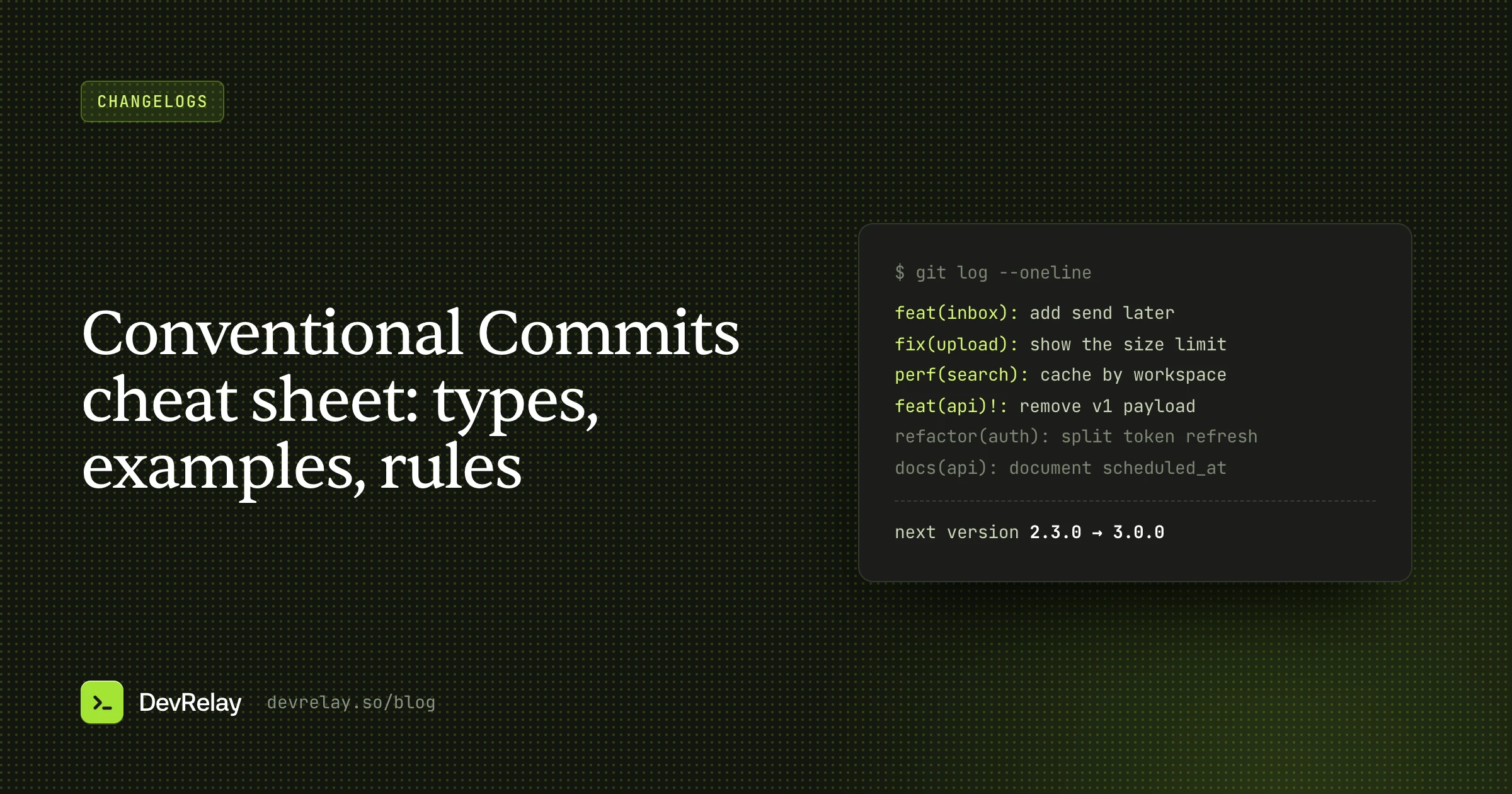
Deciding the bump by hand works until releases get busy. The common fix is Conventional Commits: each commit starts with a type, and tools read the types since the last release to choose the version.
| Commit | Bump |
|---|---|
feat(inbox): add send later for replies | minor |
fix(upload): show an error for files over 10 MB | patch |
perf(search): cache results per workspace | patch |
feat(api)!: remove the v1 webhook payload | major |
docs:, refactor:, test:, ci:, chore: | none |
These are the default rules in semantic-release. The highest bump in the release wins. Two tools apply them for you:
- semantic-release runs in CI on your release branch and fully automates it: it works out the version, tags it, publishes the package and writes the release notes.
- release-please opens a release pull request with the next version and the changelog, keeps it up to date as you merge, and releases when you merge that pull request.
The difference is the checkpoint: semantic-release releases from CI on its own, and release-please waits for you to merge its pull request. Either way, the version comes from the commits, and the changelog gets generated along with it.
CalVer vs. SemVer
Calendar Versioning (CalVer) puts the release date in the number instead of the kind of change. Ubuntu is the familiar example: 24.04 was released in April 2024.
| SemVer | CalVer | |
|---|---|---|
| The number says | What kind of change it is | When it was released |
| Good for | Libraries, SDKs, APIs, CLIs: anything other code depends on | Apps, operating systems, tools on a fixed schedule |
| Tells you it's safe to upgrade | Yes: same major means no breaks | No: read the notes |
| Works with npm-style ranges | Yes | Only loosely |
If other people's code depends on yours, use SemVer: the whole point is that a range like ^2.4.1 can upgrade safely. If you ship an app on a schedule and nobody writes code against it, CalVer or a simple build number is easier to explain.
Version numbers aren't release notes
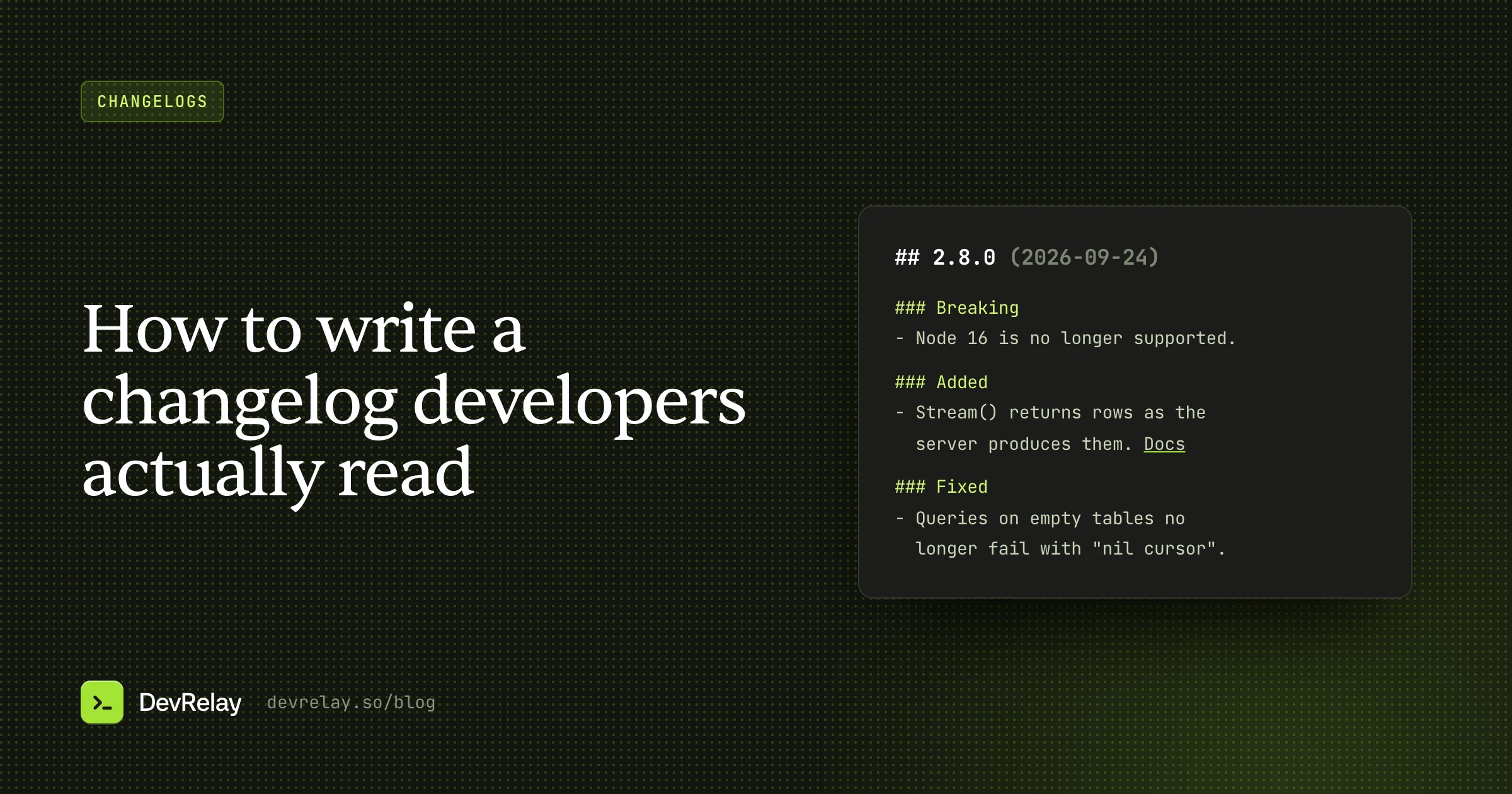
A version number tells a developer whether an upgrade is safe. It doesn't tell anyone what changed or why they'd care. 3.0.0 means "something broke", not "webhooks now carry the whole ticket, and here's the one field to rename".
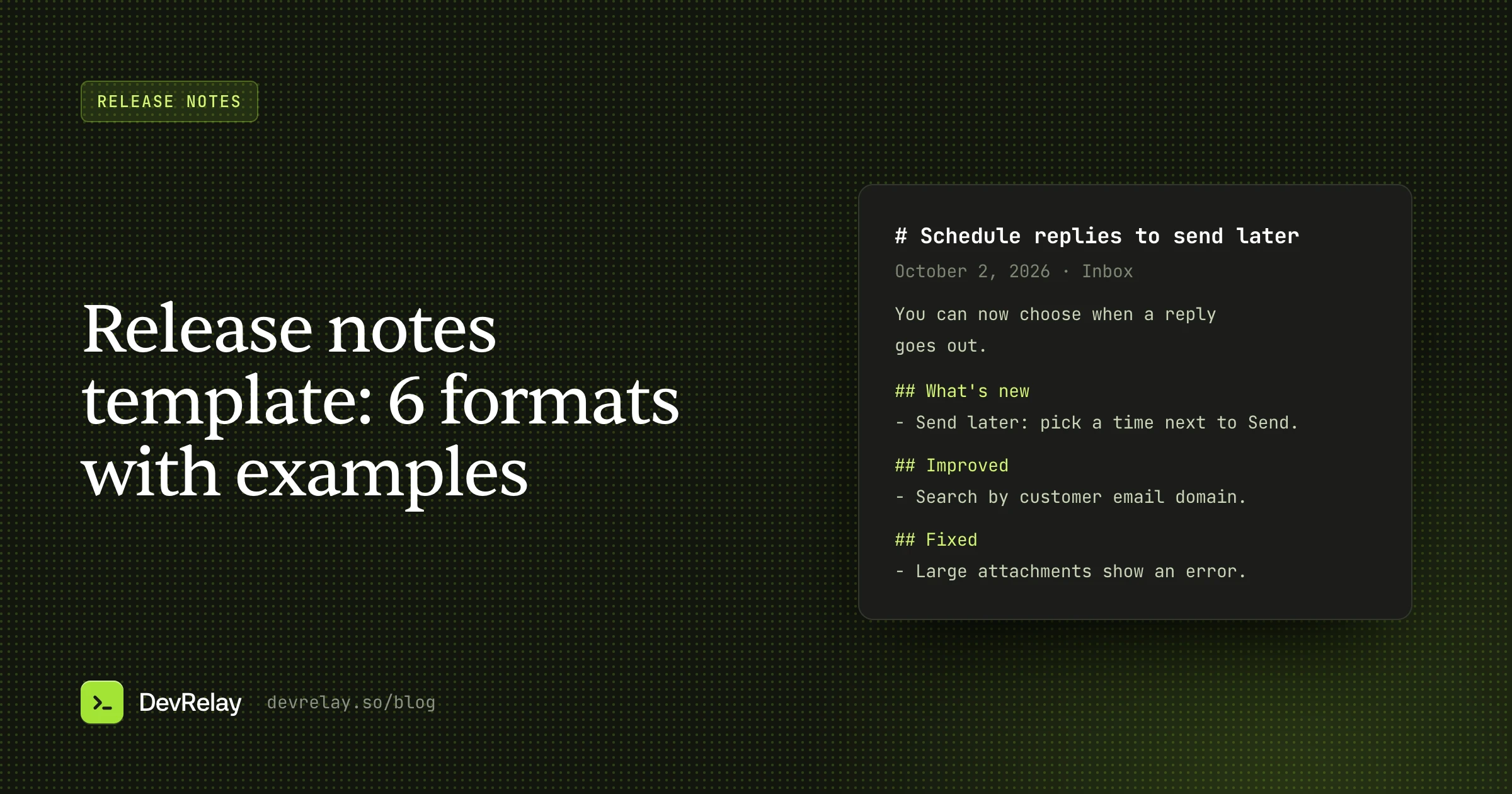
And for a SaaS product, most of your users never see a version at all. They see the product change. What they need is the release notes: what's new, what got better, what was fixed, and what to do about anything that changed.
How DevRelay uses your releases
DevRelay watches your GitHub repositories and treats a published release as the moment a change ships. A merge alone isn't. It reads the release and its tag to know which pull requests went out, and a pre-release or a draft release doesn't start a release announcement. When you release more than one product from one repository, tag prefixes like sdk-python-v1.4.0 tell it which product a release belongs to.
Then it drafts the changelog entry in New, Improved, Fixed and Changed, an announcement for the release, and X and LinkedIn posts, written for your product's users. The drafts lead with what users can now do and leave the version numbers and tags out, since those mean something to your package manager, not to your customers. Every claim is checked against the pull requests and the release, and nothing goes out until you approve it. You can also ask what shipped from Claude, ChatGPT or Cursor through the DevRelay MCP server.
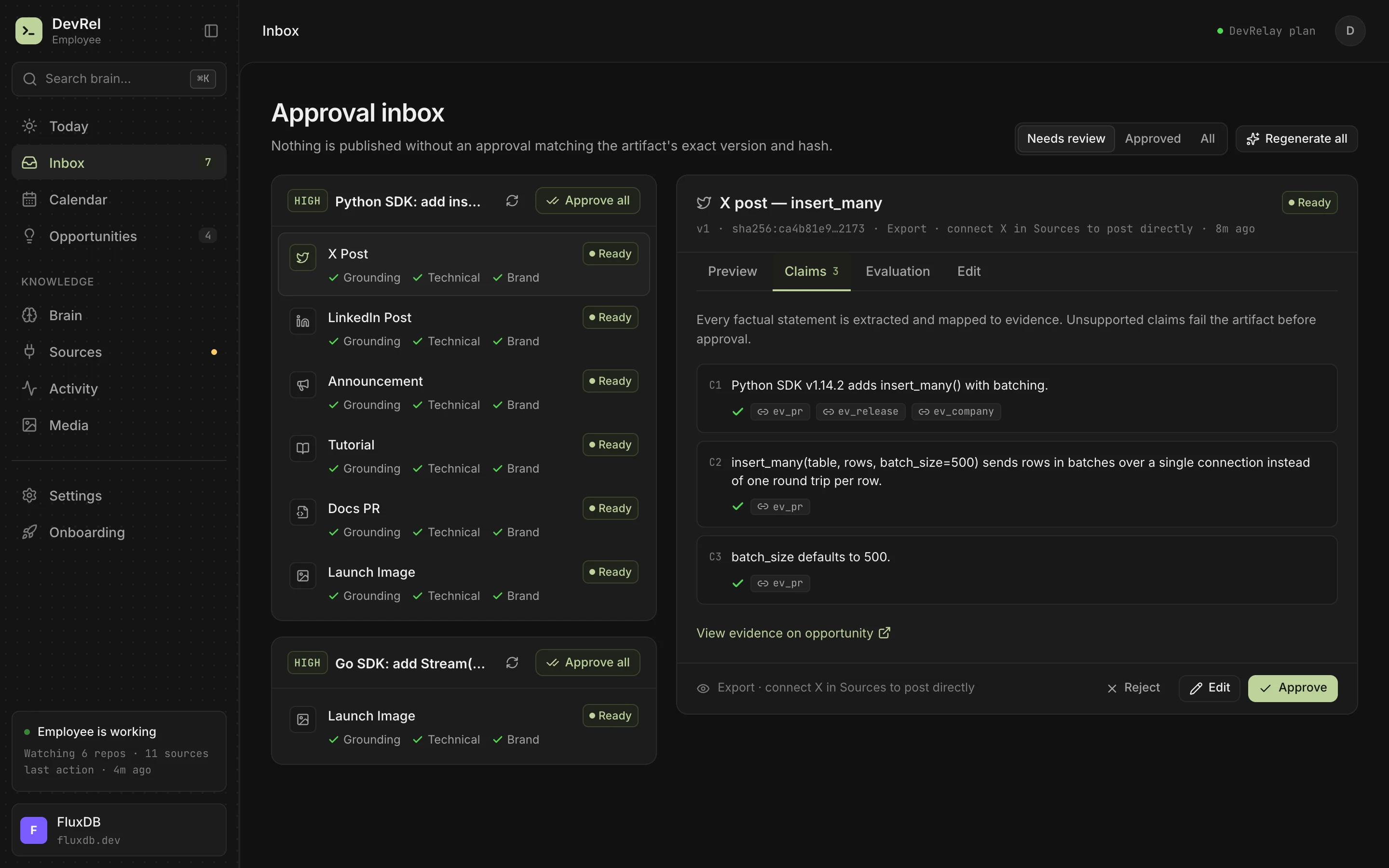
To try it on your own history first, paste the commits since your last tag into the free release notes generator.
Frequently asked questions
What is SemVer used for?
SemVer tells the people and tools that depend on your code whether an upgrade is safe. Same major version means nothing they use should break, so package managers like npm can install minor and patch updates automatically through ranges like ^2.4.1.
Is 1.0 the first version in semantic versioning?
1.0.0 is the first stable version, the one that defines your public API. Before it, 0.y.z is for initial development, where anything may change. The specification suggests starting at 0.1.0 and bumping the minor version for each release until you reach 1.0.0.
What is the difference between ^ and ~ in package.json?
^1.2.3 accepts minor and patch updates, anything from 1.2.3 up to but not including 2.0.0. ~1.2.3 accepts patch updates only, up to but not including 1.3.0. Below 1.0 the caret is stricter: ^0.2.3 stops before 0.3.0.
Is v1.2.3 a semantic version?
No. The semantic version is 1.2.3; the v is a common prefix for tag names, as in git tag v1.2.3. Use the bare number in package files.
What should I do if I released a breaking change as a minor version?
Release a new patch version that restores backward compatibility as soon as you notice, then release the breaking change properly as a new major version. Never modify or republish the version that's already out.
What is the difference between Git and SemVer?
Git tracks every change to your code. SemVer is a rule for naming releases. They meet at tags: you tag the commit you release, usually as v plus the semantic version, like v2.5.0.
What is the difference between release-please and semantic-release?
Both read Conventional Commits to pick the next version. semantic-release releases from CI on its own whenever the release branch changes. release-please opens a release pull request with the version and changelog, and releases when you merge it.