Release Notes Template: 6 Copy-Paste Formats with Examples
Six release notes templates (SaaS update, single feature, API/SDK, app store, GitHub release, internal), each with a filled-in example and a checklist.
The short answer
A release notes template needs five parts: a title that names the change, a one-sentence summary, anything that needs action first, then New, Improved and Fixed with one line per change, and a link to more detail. Pick the template by where the notes will be read: a product update, an email, an SDK release, an app store, a GitHub release or an internal note.
Key takeaways
- Choose the template by where the notes are read and who reads them.
- Name the change in the title; keep the version next to it, not in it.
- Anything that needs action goes first, with the one step to take.
- Describe fixes by the symptom users saw, never by the code that changed.
Most release notes templates you'll find online are a list of headings: New features, Improvements, Bug fixes. The headings are fine. What they don't tell you is which headings your release actually needs, what a good line under each one looks like, and how the same release should read in an app store, a GitHub release and an email to customers.
This post gives you six release notes templates you can copy, one for each place release notes usually go, with a filled-in example for each. Then it covers what every set of release notes needs, how to word the lines, and a checklist to run before you publish.
Which release notes template to use
Pick the template by where the notes will be read and who reads them. The format follows the reader.
| Template | Use it for | Reader | Length |
|---|---|---|---|
| Product update | A SaaS release on your blog, changelog page or help center | Customers, often non-developers | 150–400 words |
| Single feature | One change worth its own email or in-app message | Everyone affected | 50–120 words |
| API and SDK | A library, SDK or API version | Developers upgrading | As long as the changes need |
| Mobile app store | App Store "What's New" and Google Play release notes | App users scanning an update | Under 500 characters |
| GitHub release | The body of a tagged GitHub release | Watchers, contributors, integrators | Summary plus the full list |
| Internal release | IT, ops, support and sales teams | Colleagues who field questions | One screen |
If you only publish in one place, start with the product update template. It's the one the others are cut down from.
What every set of release notes needs
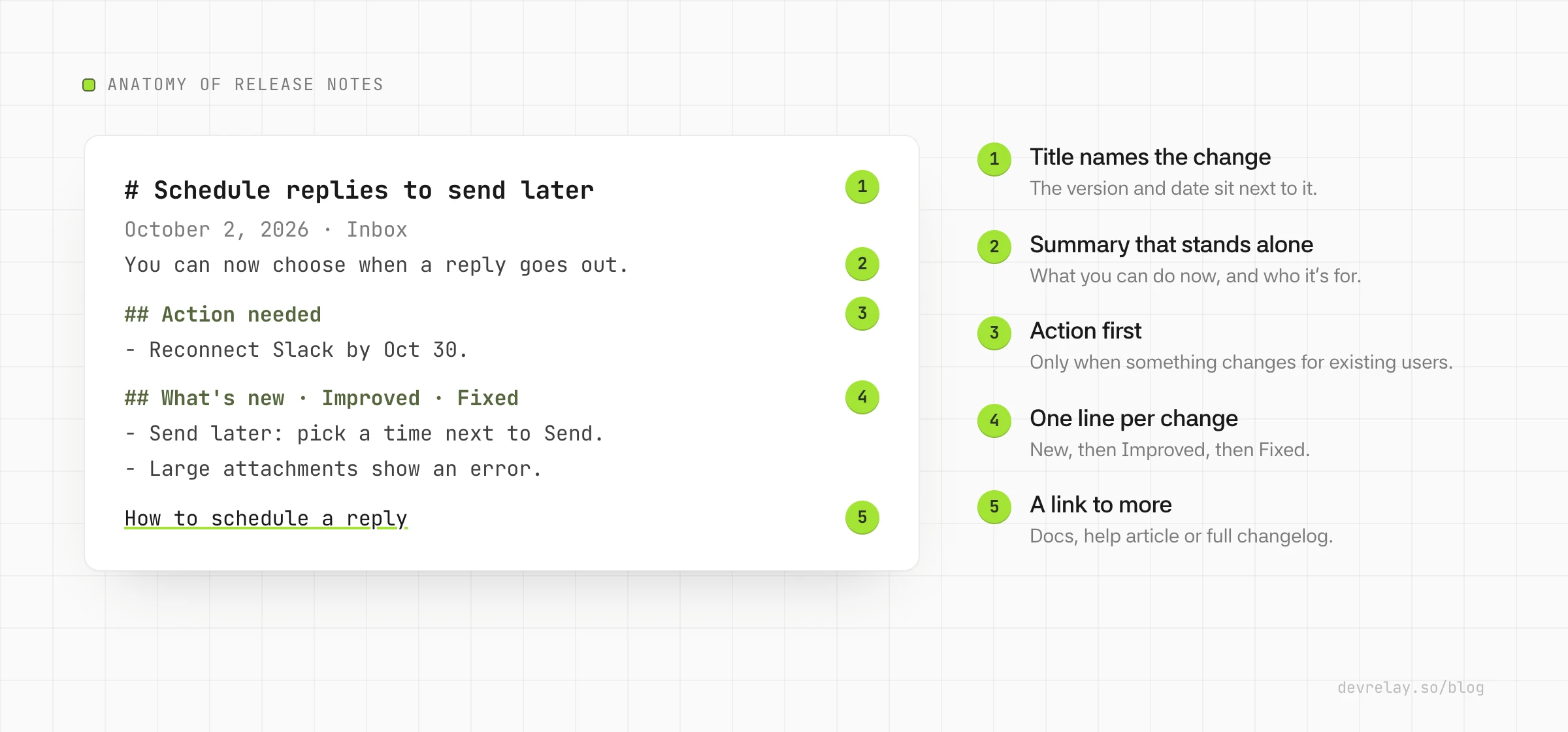
Whatever the template, the same five parts do the work:
- A title that names the change, not the version. "Schedule replies to send later" tells a reader whether to keep going; "Release 4.12" doesn't. Keep the version and date next to the title, not in it.
- A one- or two-sentence summary of what this release is about and who it affects. Many readers stop here, so it has to stand on its own.
- Anything that needs action, first. Breaking changes, required migrations, removed features, new permissions. If nothing needs action, leave the section out.
- New, Improved and Fixed, in that order, one line per change. Each line describes what the user can now do or what stopped going wrong.
- A link to more detail: the docs page, the migration guide, or the full changelog.
Everything else is optional: screenshots, a known issues list, credits, an upgrade command. Add them when they help the reader act.
1. Product update template (SaaS)
Use this for a release of a hosted product, published on your blog, changelog page or help center. Your readers are customers, many of them not developers, so write in terms of what they do in the product.
# [What changed, as a benefit]
[Date] · [Product area, optional]

[One or two sentences: what you can do now that you couldn't before,
and who it's for.]

## What's new
- **[Feature name]**: [what you can do with it, in one sentence].
  [Link to the help article]

## Improved
- [Thing that works better]: [how it's better, in terms users notice].

## Fixed
- [The symptom users saw] no longer happens.

## Action needed (only if something changes for existing users)
- [What changes], [who it affects], [the one step to take] by [date].

Questions? [Contact or help link]
Filled in for Acme, a made-up help desk:
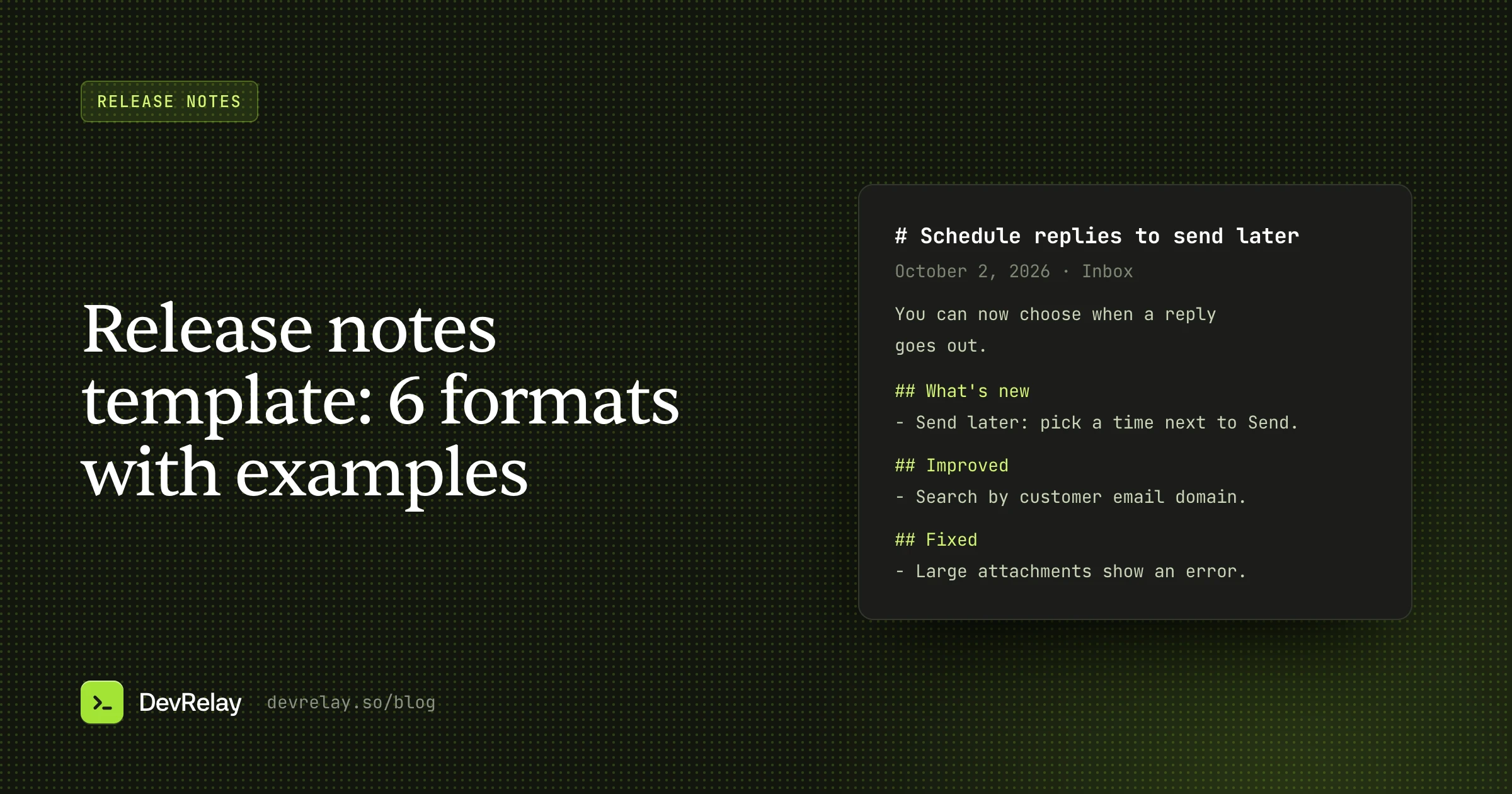
# Schedule replies to send later
October 2, 2026 · Inbox

You can now write a reply and choose when it goes out, so customers
in other time zones hear back during their working day.

## What's new
- **Send later**: pick "Send later" next to Send and choose a time.
  Scheduled replies appear in the new Scheduled view until they go out.
  How to schedule a reply →

## Improved
- Search finds tickets by customer email domain, not just full address.

## Fixed
- Attachments over 10 MB no longer fail silently. You now see an error
  with the size limit.

Questions? Reply to this email or visit the help center.
Notice what the example leaves out: the version number, the pull request, the name of the queue that sends scheduled replies. Customers can't use any of that.
2. Single feature template (email and in-app)
When one change matters more than everything else in the release, give it its own short note. This is the template for a product email, an in-app announcement or a "What's new" panel.
**[Feature name] is here**

[The problem it solves, in one sentence, in the user's words.]

[What to do: where to find it and the first step.]

[Button or link: Try it / Learn how]
**Send later is here**
Replying at 11pm shouldn't mean your customer gets an email at 11pm.
Choose "Send later" next to Send, pick a time, and Acme sends it then.
Learn how →Keep it to one change. A second feature in the same message halves the attention each gets; put it in the full release notes instead.
3. API and SDK template
Developers reading SDK or API release notes are deciding whether and how to upgrade. They need the version, what breaks, and exact steps, before anything else.
# [Package] [version] ([YYYY-MM-DD])

[One sentence: the headline change.]

## Breaking changes
- `[old]` is removed. Use `[new]` instead. [Migration guide]

## Deprecated
- `[name]` will be removed in [version]. Use `[replacement]`.

## Added
- `[function or endpoint]`: [what it does]. [Docs]

## Changed
- [Behaviour that changed], [old] → [new].

## Fixed
- [Error message or symptom] when [condition]. ([#issue])

## Upgrading
[install or upgrade command]
[Any code change needed, as a before/after snippet]
# acme-sdk 3.0.0 (2026-10-02)
Replies can be scheduled from the API.
## Breaking changes
- `sendReply(ticket, body)` now takes an options object:
`sendReply(ticket, { body })`. Migration guide →
## Added
- `sendReply(ticket, { body, sendAt })` schedules a reply.
`sendAt` is an ISO 8601 time, up to 30 days ahead. Docs →
## Fixed
- `uploadAttachment` rejected files over 10 MB with a generic
"request failed". It now returns `attachment_too_large`. (#812)
## Upgrading
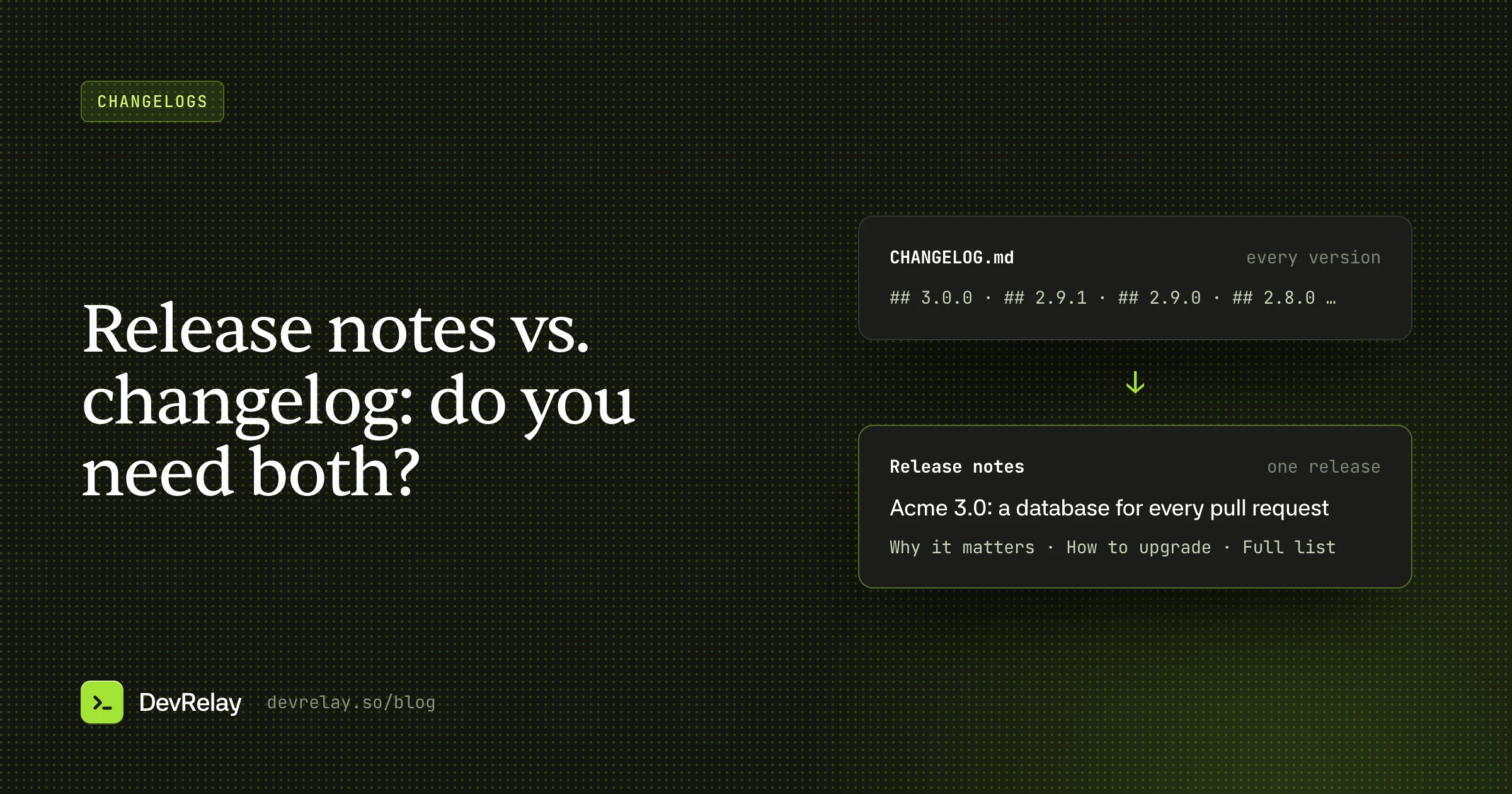
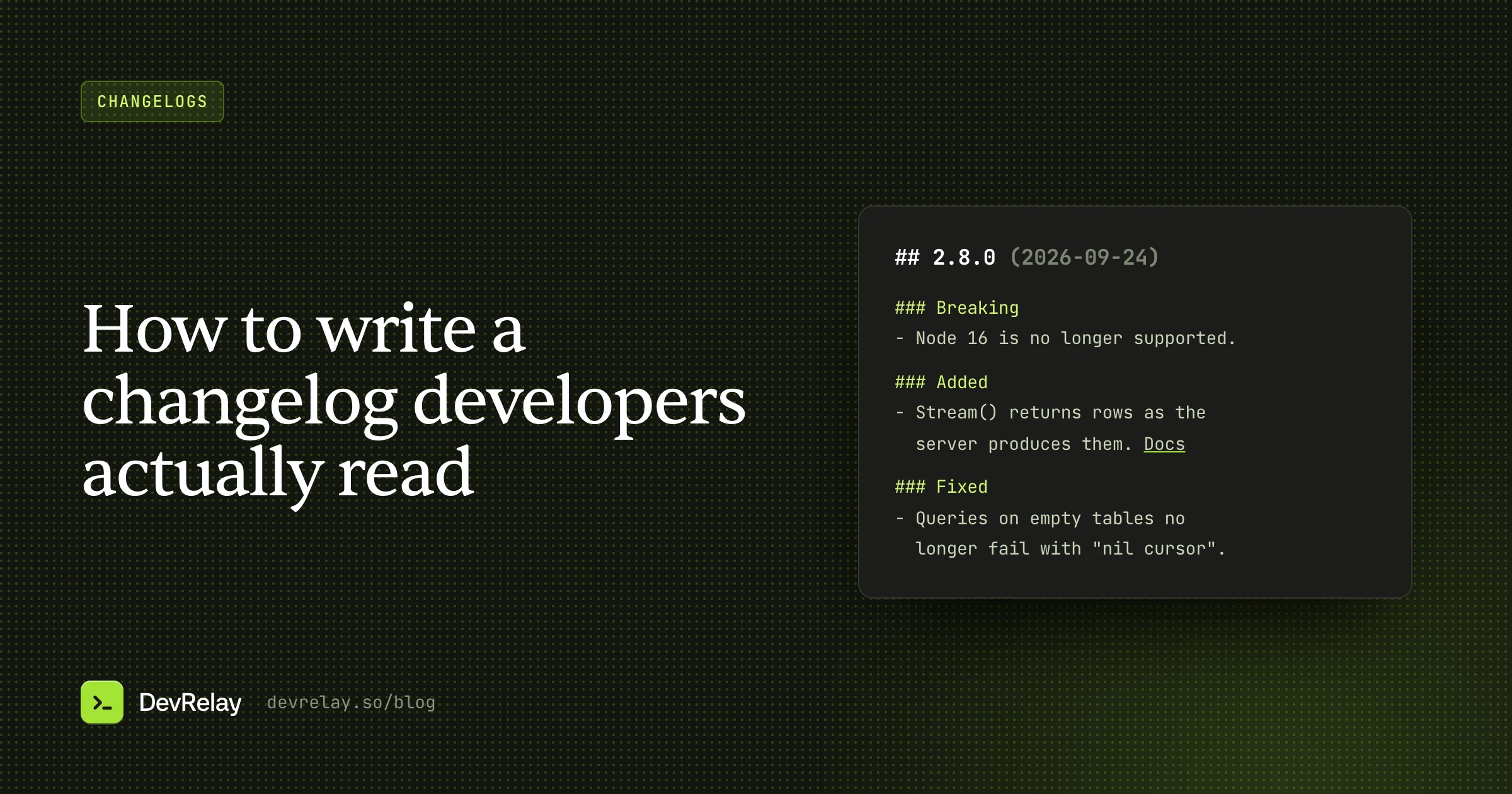
npm install acme-sdk@3For the complete history across versions, keep a CHANGELOG.md alongside these notes. Our guide on how to write a changelog covers that format, and release notes vs. changelog explains when you need both.
4. Mobile app store template
App store release notes are read in a list of updates, on a phone, in a few seconds. The stores also set hard limits. As of October 2026, Apple's App Store Connect reference limits "What's New in This Version" to 4,000 characters, and Google Play's help allows up to 500 Unicode characters of release notes per language and says not to use them for promotion or to ask users to take actions. Write to the shorter limit and both stores are covered.
[Headline change, as what the user can now do.]

New
• [Feature, one line]

Improved
• [Improvement, one line]

Fixed
• [Symptom that's gone, one line]
Schedule replies to send later: tap the clock next to Send.
New
• Scheduled view shows replies waiting to go out
Improved
• Faster inbox loading on slow connections
Fixed
• Large attachments now show an error instead of failing silentlyThat example is about 250 characters. Skip "Bug fixes and performance improvements" when you can: it tells people nothing, and a real line about a fix they hit is the reason they update.
5. GitHub release template
A GitHub release has a tag, a title and a body. GitHub can generate the body as a list of merged pull requests, grouped by label if you add a .github/release.yml. That list is a good appendix but a poor opening, because it's written for reviewers. Put a human summary on top:
## [Headline change]

[Two or three sentences: what this release is about, with a short example.]

### Action needed
- [Breaking change and the step to take]

### Highlights
- [Most important change, with a docs link]
- [Second most important change]

### All changes
[Paste GitHub's generated list here]

**Full changelog**: [compare link between the two tags]
## Schedule replies from the API
You can now pass `sendAt` to `sendReply` to schedule a reply up to
30 days ahead.
await acme.sendReply(ticket, { body, sendAt: "2026-10-03T09:00:00Z" })
### Action needed
- `sendReply` takes an options object. See the migration guide.
### Highlights
- Scheduled replies (docs)
- Clear `attachment_too_large` error for files over 10 MB
### All changes
- Add sendAt to sendReply by @dana in #809
- Return attachment_too_large for oversized uploads by @lee in #812
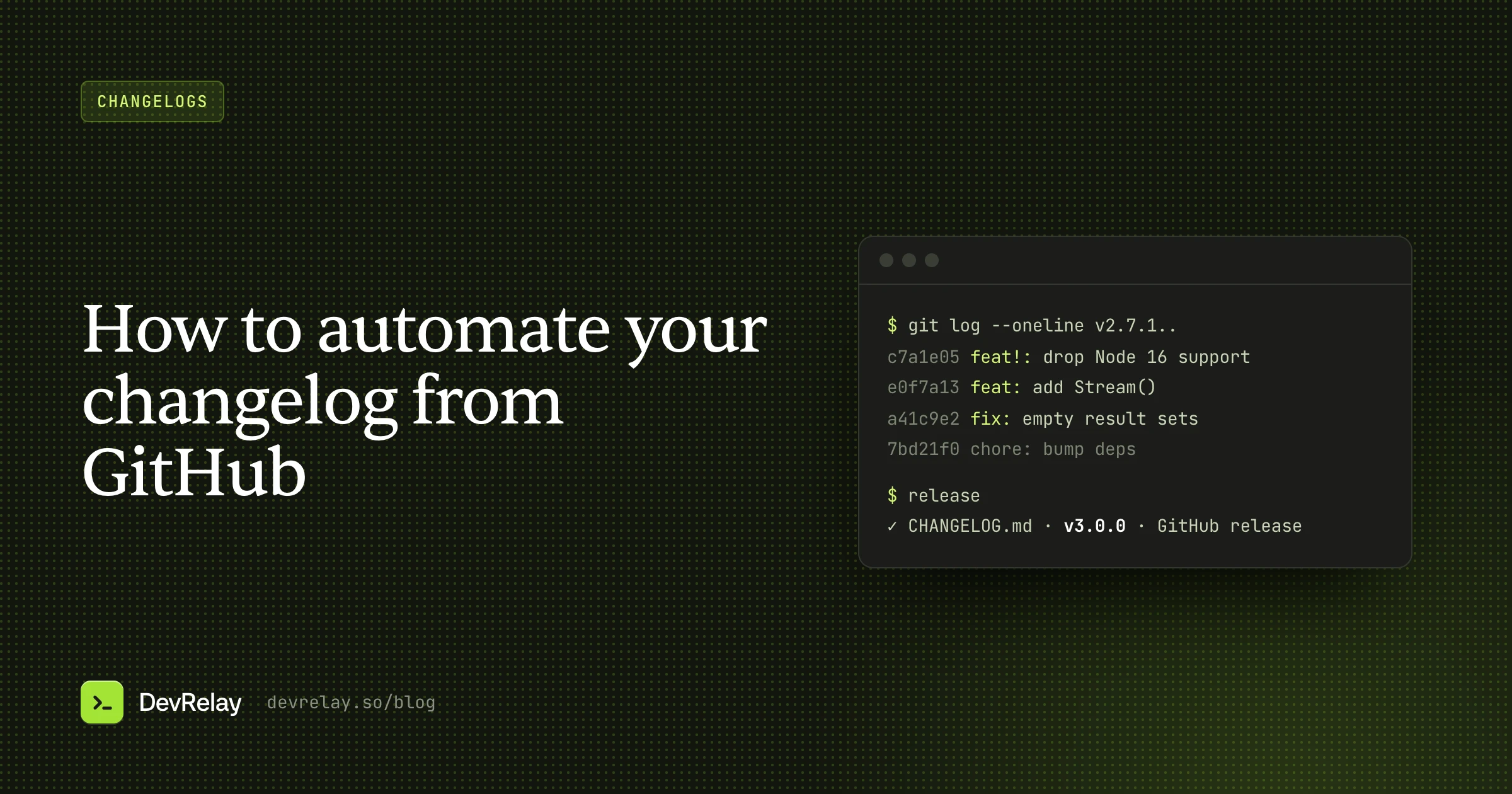
- Bump eslint from 9.1 to 9.2 by @dependabot in #815If your commits follow Conventional Commits, the generated list sorts itself. Our guide to automating your changelog from GitHub covers the tools that do it.
6. Internal release template
Support, sales and operations need to know about a release before customers ask about it. Internal release notes answer the questions they'll get, and the questions they'll have themselves.
# [Release name] · ships [date and time, time zone]

**What changes:** [one or two sentences]
**Who is affected:** [all customers / plan / region / feature flag]
**What customers will see:** [the visible change, with a screenshot]
**What customers need to do:** [nothing / the step]
**Known issues:** [list, or "none"]
**Rollback plan:** [how and who decides]
**Questions:** [owner and channel]
# Send later · ships Oct 2, 10:00 UTC
**What changes:** Agents can schedule replies.
**Who is affected:** All workspaces on Team and Business plans.
**What customers will see:** A "Send later" option next to Send, and a
Scheduled view in the sidebar.
**What customers need to do:** Nothing.
**Known issues:** Scheduled replies don't appear in the mobile app
until its next update.
**Rollback plan:** Feature flag `send_later`, owned by the Inbox team.
**Questions:** #inbox-teamHow to word release note lines
The template gives the structure. The lines are where release notes are won or lost. Four rules cover most of it:
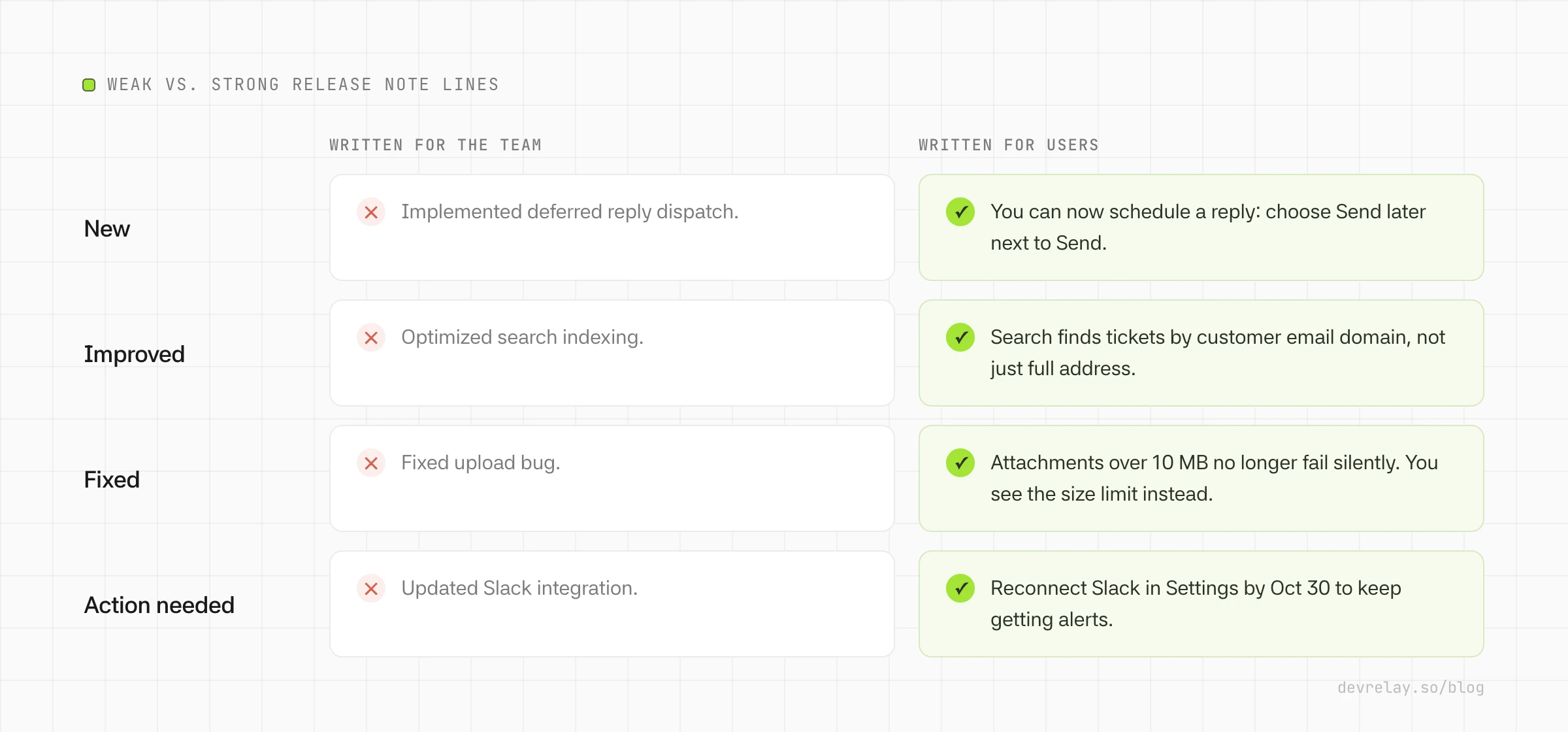
- Start with what the user can do or see. "You can now schedule replies" beats "Implemented reply scheduling".
- Describe fixes by the symptom. "Attachments over 10 MB no longer fail silently" tells people whether this is the fix they were waiting for. "Fixed upload bug" doesn't.
- Use numbers only when users feel them. "Inbox loads in under a second on slow connections" is useful. An internal query count isn't.
- Name things the way the product does. If the button says "Send later", the note says "Send later", not "deferred dispatch".
Checklist before you publish
- The title names the change, not just the version.
- The summary works on its own if nobody reads further.
- Anything that needs action is at the top, with the step to take.
- Every line describes an effect a user can notice.
- Internal work (refactors, dependency bumps, CI) is left out.
- Every feature line links to the docs or help article.
- Everything in the notes has actually shipped. Merged code that isn't released yet stays out.
- The app store version fits in 500 characters.
- Support has the internal version before customers see the public one.
How DevRelay does it
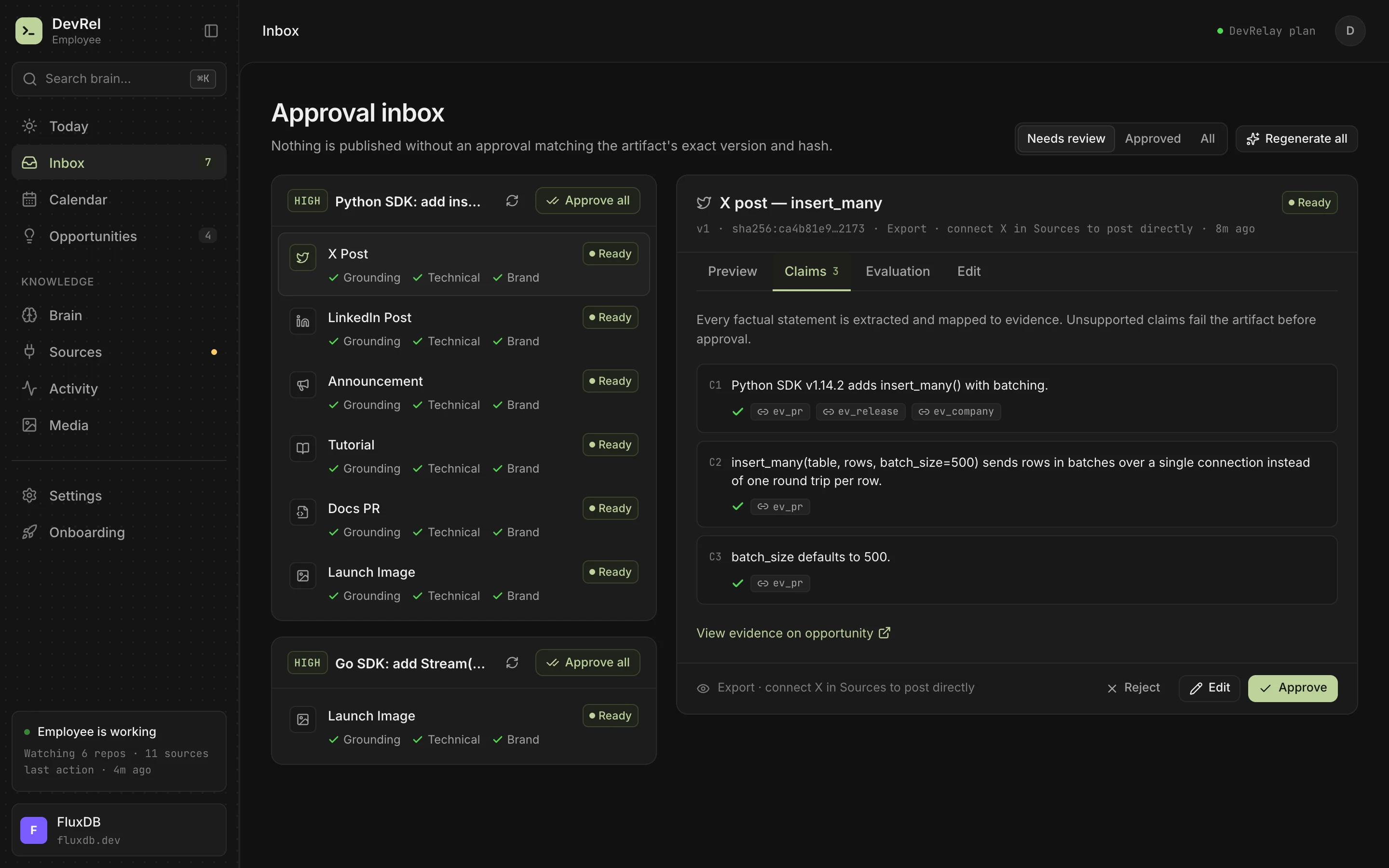
If you'd rather not fill in templates by hand, DevRelay drafts release notes from what you actually ship. It watches your GitHub repositories, waits for the release (a merge alone isn't treated as shipped), and reads each change's pull request and diff. For a release, it drafts the announcement and a changelog entry grouped as New, Improved, Fixed and Changed, written for your product's users. It drafts X and LinkedIn posts from the same facts.
Every claim in a draft is checked against the code and the release before you see it, and nothing goes out until you approve it.
To try the idea on your own commits first, paste them into the free release notes generator. For a CHANGELOG.md, the Keep a Changelog generator builds the file's structure.
Frequently asked questions
What is a good format for release notes?
A title that names the main change, a one- or two-sentence summary, a section for anything that needs action, then New, Improved and Fixed with one line per change, and a link to the docs or full changelog. Leave out sections that would be empty.
What should be included in release notes?
Changes users can notice: new features, improvements, fixes described by the symptom they remove, and anything that requires action, such as breaking changes or migrations. Internal refactors, dependency bumps and CI changes don't belong in release notes.
How long should release notes be?
As short as the changes allow. A product update usually runs 150 to 400 words, a single-feature email 50 to 120 words, and app store notes should fit in 500 characters, Google Play's limit per language. SDK release notes can be longer when breaking changes need upgrade steps.
Should release notes include version numbers?
For libraries, SDKs and APIs, yes: developers need the version to decide whether and how to upgrade. For a hosted SaaS product, a date and a title that names the change are more useful to customers than an internal version number.
What is the difference between release notes and a changelog?
A changelog is a cumulative record of every notable change in every version. Release notes explain one release to its users: what's new, why it matters and what to do. Many teams write the changelog first and the release notes from it.