App Release Notes: App Store and Google Play Templates
How to write app release notes for the App Store and Google Play: each store's limits and rules, six templates with examples, fastlane files, a checklist.
The short answer
App release notes are the "What's New" text a mobile app shows for each update. Lead with the change people will notice, group the rest as New, Improved and Fixed, describe fixes by the symptom, and leave out version numbers and internal work. Google Play allows 500 characters per language and the App Store 4,000, so write the 500-character version first and it works on both.
Key takeaways
- Write to Google Play's 500 characters per language and the same notes fit the App Store's 4,000.
- Apple's guideline 2.3.12: new features and product changes need a clear description; only simple fixes may use a generic line.
- Google Play says not to use release notes for promotion or to ask users to take actions.
- Use App Store Promotional Text (170 characters, changeable without a new version) for anything time-bound.
- Store rules were checked on Apple's and Google's own pages on October 16, 2026.
Most app release notes say "Bug fixes and performance improvements" and nothing else. It's the default because the field is required, the release is ready, and nobody wants to write copy at the last step. It also wastes the one place where people who already installed your app look for what changed.
This guide covers what app release notes are, the rules each store sets as of October 2026, how to write notes that fit both stores from one draft, and six templates with filled-in examples for Acme, a made-up help desk with a mobile app. You can download all six as a text file. At the end: how to keep the notes in your repository with fastlane, and a checklist to run before you submit.
What are app release notes?
App release notes are the short text a mobile app shows for each update: "What's New" on the App Store and "What's new" release notes on Google Play. They tell people who already use the app what changed in this version: a new feature, something that works better, a bug that's gone, or something that moved. They're written for users, not for the team, so they describe what someone can now do or notice, not how the code changed.
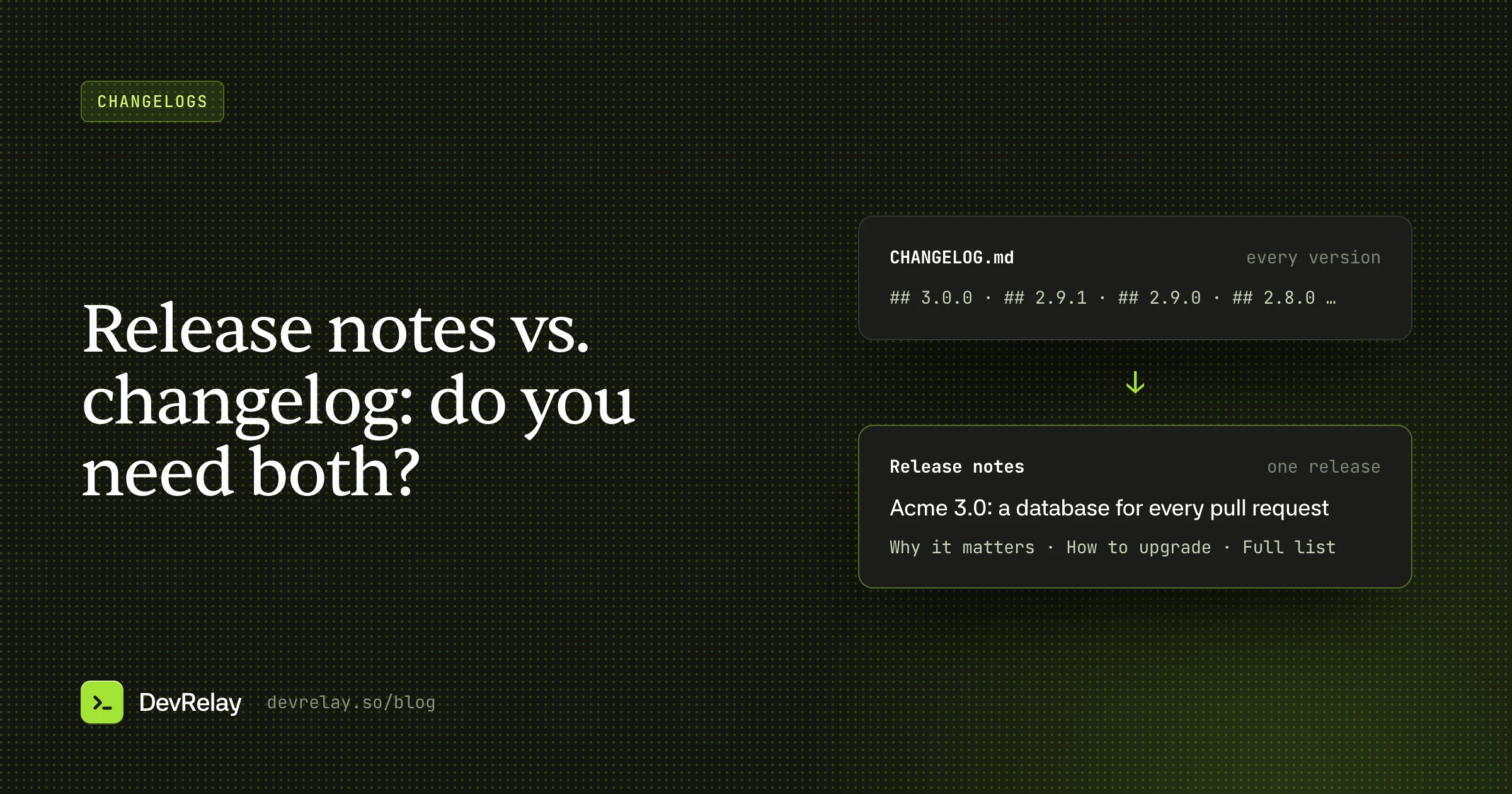
They are not your full changelog. A changelog keeps every notable change across every release, often on a web page or in a CHANGELOG.md file. App release notes cover one update, have hard length limits, and are read on a phone in a few seconds. Our guide on release notes vs. changelog explains how the two fit together.
App Store and Google Play rules
Both stores have a release notes field with a limit, and both say what the text is for. These are the rules from each store's own documentation, checked on October 16, 2026:
| App Store (Apple) | Google Play | |
|---|---|---|
| Field | "What's New in This Version" | Release notes, in the release's details |
| Length | Up to 4,000 characters | Up to 500 Unicode characters per language |
| Required | Yes, for every version after the first | Not stated in Google's help |
| Languages | Can be localized | One block per language, between tags such as <en-US> and </en-US> |
| What the store says | Guideline 2.3.12: new features and product changes must be clearly described; simple bug fixes, security updates and performance improvements may use a generic description | Inform users about recent updates; don't use release notes for promotion or to ask users to take actions |
| Related | Promotional Text: 170 characters, can change without a new submission | "Copy from a previous release" reuses earlier notes and translations |
Sources: Apple's platform version information reference and App Store Review Guidelines (2.3.12), and Google's Prepare and roll out a release help page.
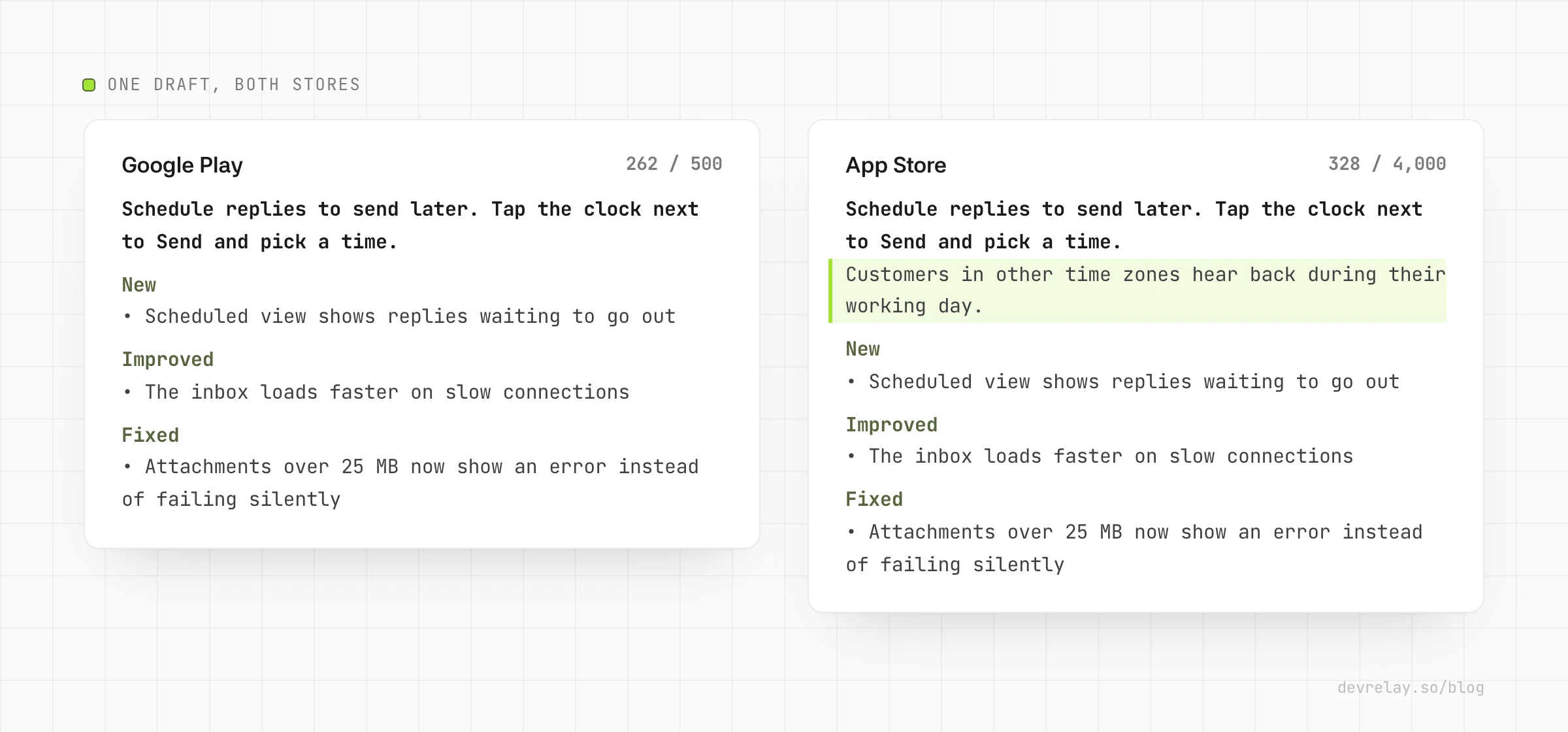
Two rules matter more than the rest. Google's 500 characters is the real limit: if you ship on both stores, write to it and you only write once. Apple's guideline 2.3.12 means a significant change needs its own line: "Bug fixes and performance improvements" is fine for an update that only fixes small things, not for one that adds a feature or changes how something works.
How to write app release notes
- Lead with the change people will notice. The first line is often the only line read. Write it as what the user can now do: "Schedule replies to send later" beats "New in this version". If the update has nothing worth a headline, say so plainly and keep it short (see template 3).
- Group the rest under plain labels. New, Improved, Fixed covers almost every update. Add "Changed" when something moved or works differently, and put it near the top.
- Describe fixes by the symptom. "Attachments over 25 MB now show an error instead of failing silently" tells people whether their problem is gone. "Fixed attachment bug" doesn't.
- Cut what users can't see. Refactors, SDK upgrades, analytics, build changes and internal names don't belong here. Neither does the version number: the store already shows it next to your notes.
- One line per change, in short sentences. People scan a list of updates on a small screen. If a change needs a paragraph, it needs an in-app message or a help article, linked from your website.
- Write the 500-character version first. Count it before you paste, then add a line or two for the App Store if there is more worth saying.
- Translate every language you list the app in. A localized store listing with English-only release notes looks abandoned. On Google Play, each language goes in its own tagged block.
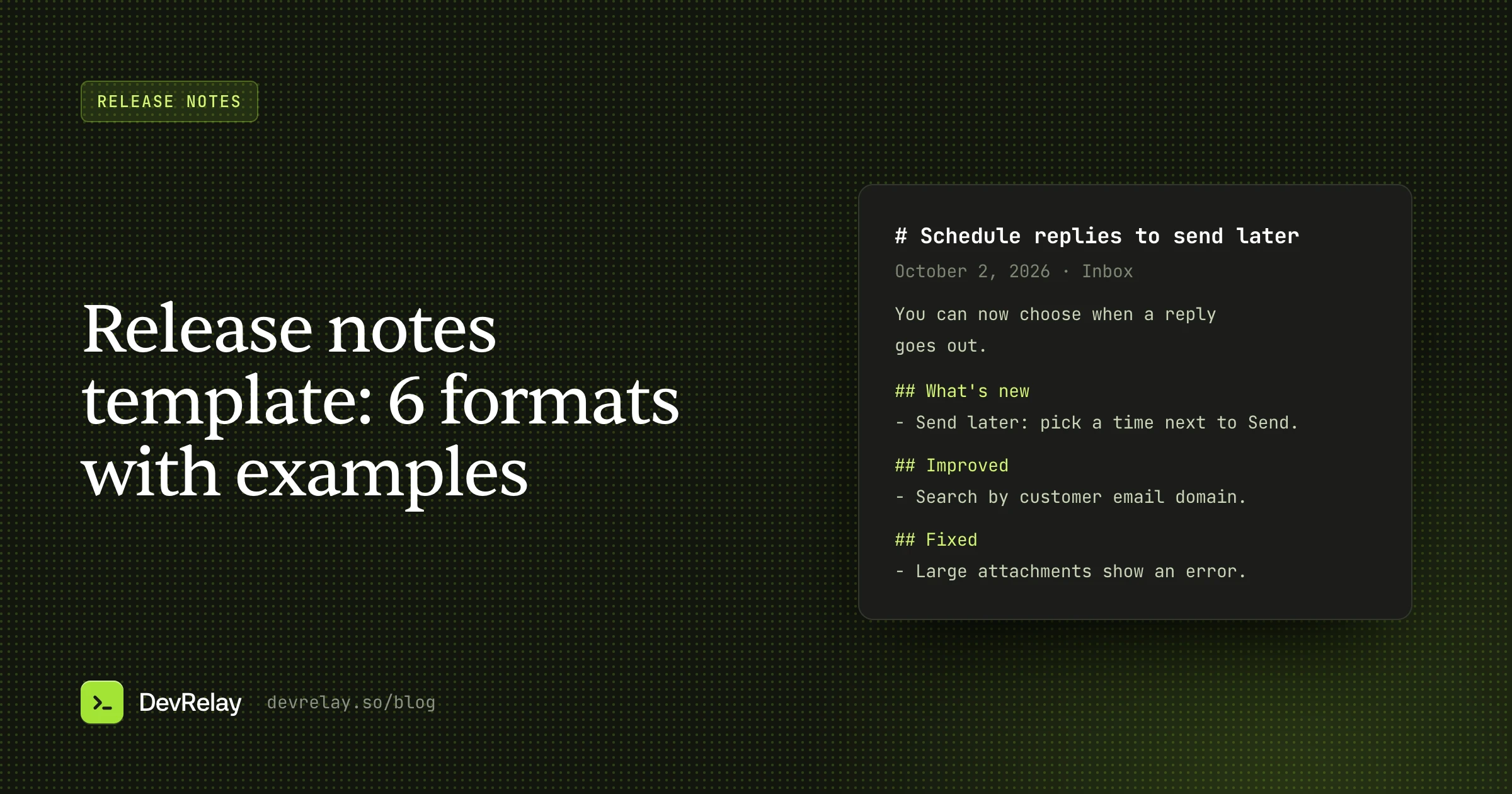
If you already keep release notes for your web product, start from them: take the lines a mobile user would notice and rewrite each one to fit. Our release notes template has formats for the web, email and GitHub versions of the same release.
Download the templates
All six templates below, with the Acme examples, in one plain text file: app-release-notes-templates.txt. Plain text is what both stores accept: neither field renders Markdown or HTML, so use line breaks and simple bullets (• or -).
1. Feature update template
Use this when the update adds one thing worth trying. Put it first, say how to find it, then list the rest.
[What you can now do, in one sentence.] [Where to find it.]

New
• [Smaller new thing]

Improved
• [What works better, as the user feels it]

Fixed
• [Symptom that's gone]
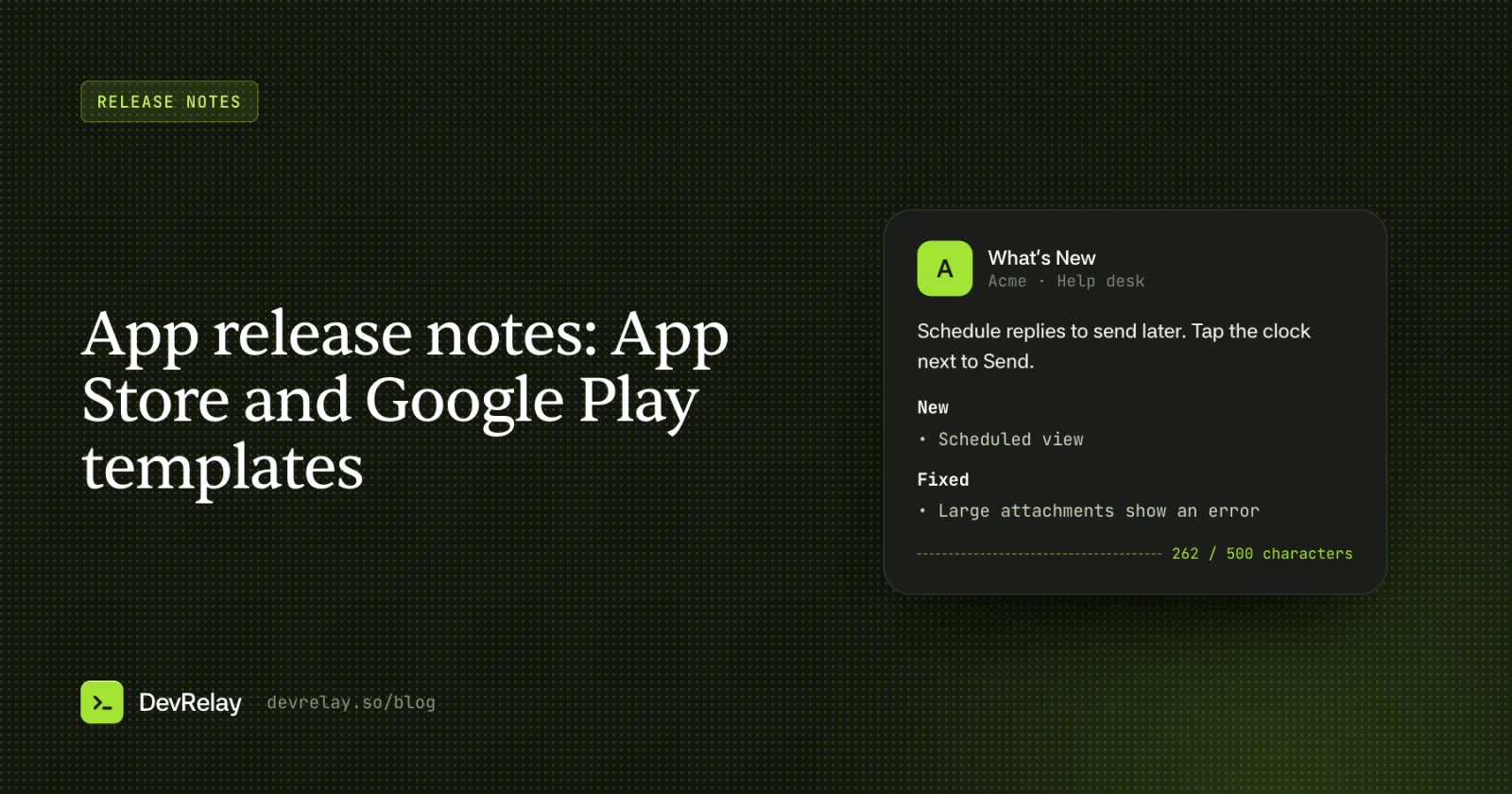
Schedule replies to send later. Tap the clock next to Send and pick a time.
New
• Scheduled view shows replies waiting to go out
Improved
• The inbox loads faster on slow connections
Fixed
• Attachments over 25 MB now show an error instead of failing silentlyThe Acme example is 262 characters, so it fits Google Play with room to spare. For the App Store, you can add a line after the first one, such as "Customers in other time zones hear back during their working day."
2. Bug fix update template
Use this when the update is mostly fixes, but some of them were annoying enough that people will want to know they're gone. Name the worst one first.
[The fix most people asked for.]

Also fixed
• [Symptom that's gone]
• [Symptom that's gone]

Thanks to everyone who reported these.
Notifications arrive again when the app is closed. Sorry it took a few days.
Also fixed
• Replies with an emoji in the subject no longer send twice
• The search bar stays open when you rotate your phone
Thanks to everyone who reported these.A fix that affected many people deserves the first line and, if it was bad, a short apology. That line is what earns back the people who left a one-star review about it.
3. Maintenance update template
Use this when nothing in the update is visible: a library update, a crash fix for one device, a build change. Apple's guideline allows a generic description for simple fixes and performance work, so keep it short and honest rather than inventing a headline.
Small fixes and stability improvements. Nothing changes in how you use [App].Small fixes and stability improvements. Nothing changes in how you use Acme.The second sentence is what makes this better than the default: it tells people they don't need to look for anything. If you find yourself shipping this template three updates in a row, the next feature update should say so: "The last few updates were behind the scenes. This one adds…"
4. Something changed template
Use this when an update moves a button, renames a screen, removes a feature or changes a default. Put it first, say where things are now, and say what people should do if they relied on the old way.
Changed
• [What moved or works differently, and where it is now]
• [What was removed, and what to use instead]

New
• [Anything new in the same update]

Fixed
• [Symptom that's gone]
Changed
• Filters moved to the top of the inbox. Tap Filter to choose a view
• Saved searches are now Views. Your saved searches are already there
New
• Sort conversations by oldest first
Fixed
• The unread count now matches the inbox after you archiveGoogle asks you not to use release notes to solicit user actions, so describe where things are now rather than writing "Update your settings today!".
5. Google Play multi-language template
Use this when you release on Google Play in more than one language. Each language goes in its own block, with the language tag on its own line before and after. Each block has its own 500-character limit.
<en-US>
[What you can now do.]
• [Change]
• [Change]
</en-US>
<de-DE>
[Same notes, translated.]
• [Change]
• [Change]
</de-DE>
<en-US>
Schedule replies to send later. Tap the clock next to Send.
• Scheduled view shows replies waiting to go out
• Attachments over 25 MB now show an error
</en-US>
<de-DE>
Antworten später senden: Tippe auf die Uhr neben Senden.
• Die Ansicht „Geplant“ zeigt Antworten, die noch warten
• Anhänge über 25 MB zeigen jetzt eine Fehlermeldung
</de-DE>Have a native speaker check each translation, or at least the first line. A machine translation of a product name or a button label often doesn't match what the translated app actually shows.
6. App Store promotional text template
Promotional Text isn't release notes, but it's the field people confuse with them. It sits at the top of your App Store product page, holds up to 170 characters, and Apple lets you change it without submitting a new version. That makes it the place for anything time-bound, while "What's New" describes what changed in one version.
[The best thing in the app right now, in one sentence.] [Optional: why now.]New: schedule replies to send later, so customers in other time zones hear back during their day.That example is 97 characters. Update it when the next headline feature ships, and keep "What's New" for what changed in each version.
"Bug fixes and performance improvements": when it's fine
It's fine when the update really contains only small fixes and nothing anyone would notice, and Apple's guideline says so. It's not fine when:
- the update adds a feature, even a small one: people who would use it won't find it;
- something moved, was renamed or was removed: people will think the app is broken;
- it fixes a bug that many people reported: you lose the chance to tell them it's gone;
- you've used it for several updates in a row: it starts to read as "we don't want to tell you".
The one-line alternative costs a minute: name the one change worth naming, then add "plus small fixes".
Keep release notes in your repository with fastlane
If you build with fastlane, both stores' notes can live in your repository as text files that fastlane uploads, so they're reviewed in the same pull request as the change:
- App Store (
deliver):fastlane/metadata/<language>/release_notes.txt, for examplefastlane/metadata/en-US/release_notes.txt. - Google Play (
supply):fastlane/metadata/android/<language>/changelogs/<versionCode>.txt, where the file name is the build's version code, with an optionaldefault.txtused when no file matches.
As of October 2026 that's the layout in fastlane's deliver and supply docs. With the notes in the repository, a short line in your pull request template ("Store notes updated?") is usually enough to stop "Bug fixes and performance improvements" shipping by default.
Checklist before you submit
- The first line names the change people will notice, or says plainly that nothing visible changed.
- Every new feature and changed behaviour has its own line (Apple 2.3.12).
- Fixes describe the symptom, not the code.
- No version numbers, internal names, SDK names or "refactored".
- No promotion and no "rate us" or "update now" (Google Play).
- The Google Play version fits in 500 characters per language.
- Every language the app is listed in has its own notes, checked by someone who speaks it.
- Anything time-bound went in App Store Promotional Text, not "What's New".
How DevRelay does it
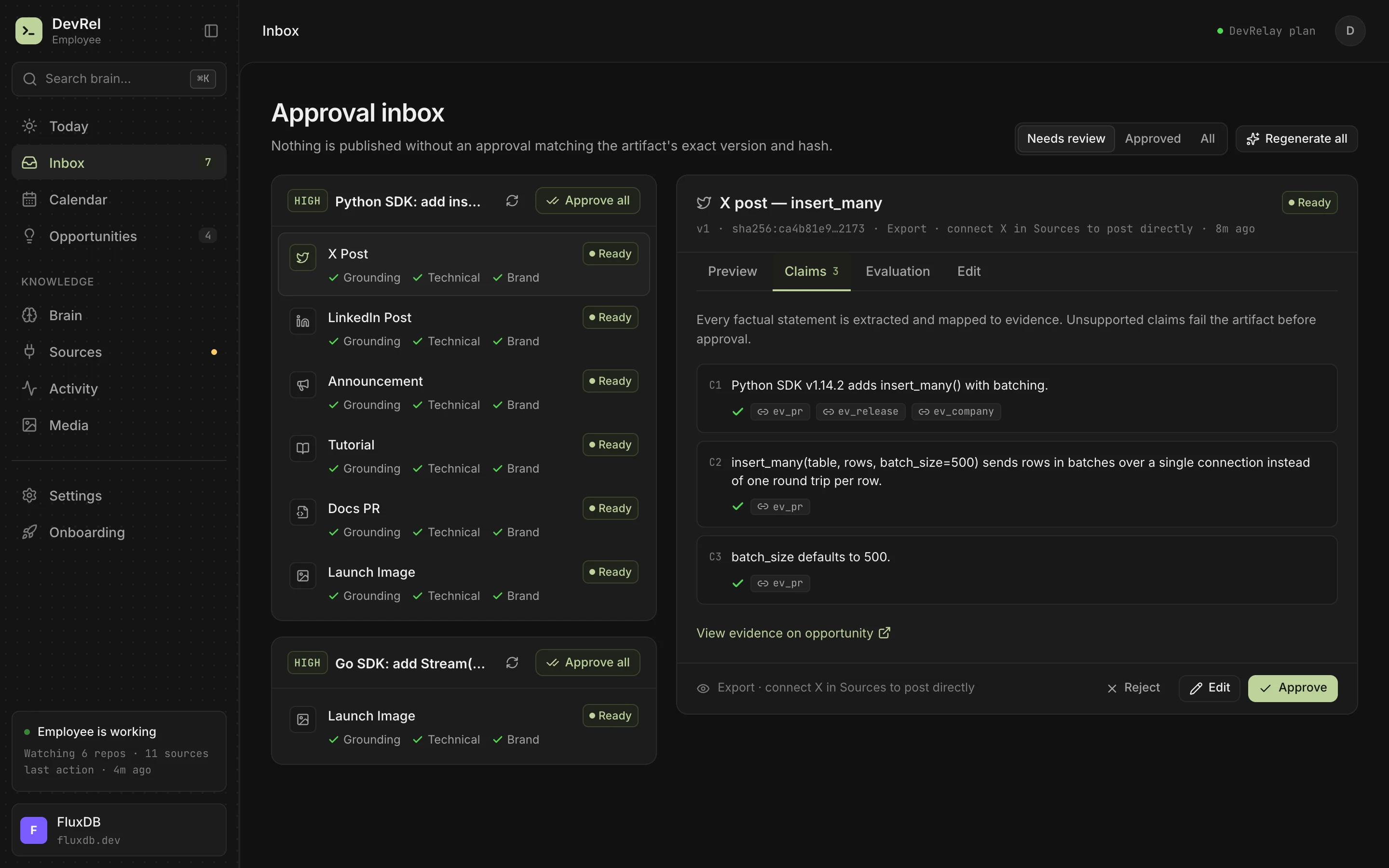
DevRelay doesn't write App Store or Google Play text, and it doesn't upload anything to either store. What it does is the step before: it watches your GitHub repositories, waits for the release (a merge alone isn't treated as shipped), reads each change's pull request and diff, and decides which changes users would notice. For each release it drafts a changelog entry grouped as New, Improved, Fixed and Changed, written for your product's users, plus the announcement and X and LinkedIn posts for the bigger changes.
That changelog is the source most teams rewrite into store notes by hand: the lines are already sorted by what users would notice, internal work is already left out, and every claim has been checked against the code and the release before you see it. Nothing goes out until you approve it.
To try it on your own changes first, paste your commit messages into the free release notes generator, then trim the result into template 1 or 2.
Frequently asked questions
What are app release notes?
App release notes are the short text the App Store ("What's New in This Version") and Google Play (release notes) show for each update of a mobile app. They tell people who already use the app what changed: new features, improvements, fixes and anything that moved, in words a user understands.
How long can app release notes be?
As of October 2026, the App Store allows up to 4,000 characters for "What's New in This Version", and Google Play allows up to 500 Unicode characters of release notes per language. App Store Promotional Text, a separate field, allows 170 characters.
Is "Bug fixes and performance improvements" allowed?
For an update that only contains simple bug fixes, security updates or performance improvements, yes: Apple's App Store Review Guideline 2.3.12 allows a generic description for those. New features and product changes must be described clearly, so an update that adds or changes anything needs its own line.
How do you write release notes for an app update?
Put the change people will notice first, as what they can now do. List the rest under New, Improved and Fixed with one short line each, describe fixes by the symptom that's gone, and cut version numbers, SDK names and internal work. Write it in 500 characters so it fits Google Play, then translate it for every language the app is listed in.
How do you add release notes in several languages on Google Play?
Put each language in its own block, with the language tag on its own line before and after, for example <en-US> and </en-US>, and the notes in between. Each language has its own 500-character limit.
Can you keep App Store and Google Play release notes in your repository?
Yes, with fastlane. The App Store notes go in fastlane/metadata/<language>/release_notes.txt for deliver, and Google Play notes in fastlane/metadata/android/<language>/changelogs/<versionCode>.txt for supply, with an optional default.txt.