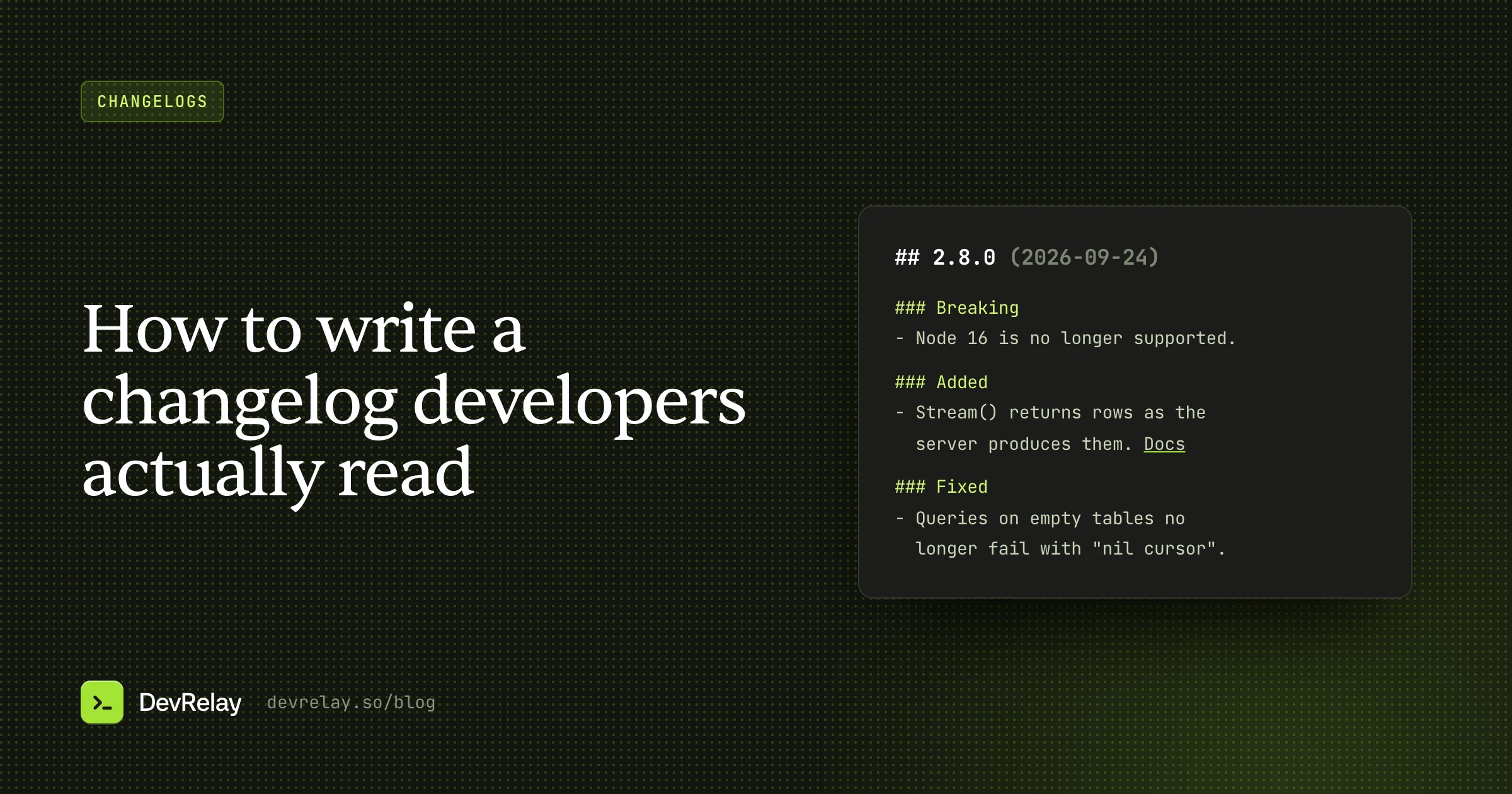
Changelog Examples: 11 Real Changelogs and What to Copy
11 real changelog examples from Linear, Stripe, GitHub, Vercel, Raycast, Tailwind and more: how each is built, the idea worth copying, and a checklist.
The short answer
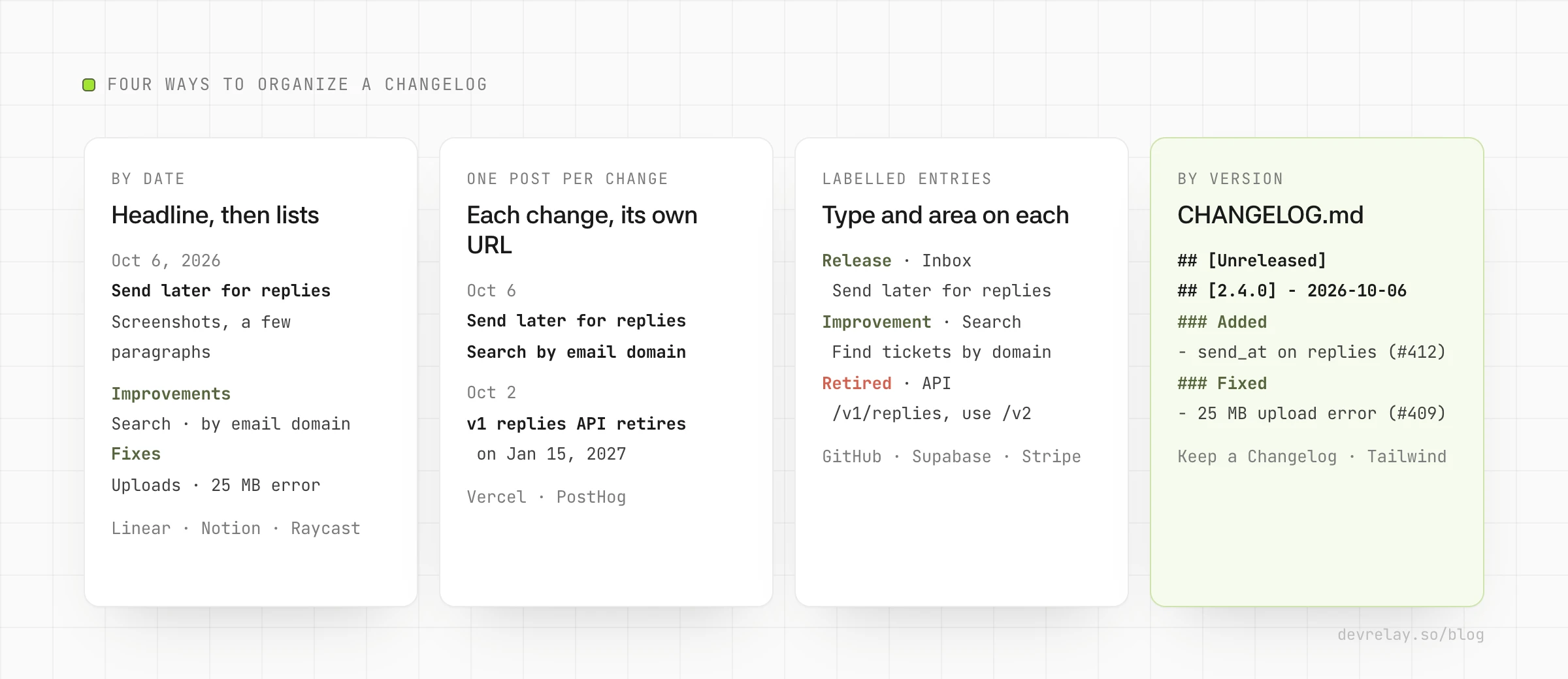
The best changelogs pick a reader first, then a shape. Linear leads each update with one headline feature and keeps fixes as short lists labelled by area; Raycast opens with a summary of what users will notice; Vercel gives every change its own post; GitHub and Supabase label each entry by type; Stripe ties entries to API versions and flags breaking ones; Tailwind's CHANGELOG.md links every line to its pull request.
Key takeaways
- Decide who reads the changelog before you pick a format: product users, developers building on you, or developers upgrading a library.
- Lead with the one change people will notice, then list the rest by type or area.
- Put deprecations and breaking changes first, with a date and the replacement.
- Link each entry to its docs, and give readers RSS, email or social to follow along.
Most "changelog examples" pages show you screenshots of pretty changelog pages and stop there. A page can look great and still be useless if every entry says "bug fixes and improvements". Good changelogs differ in the decisions behind them: who the reader is, how entries are grouped, how much goes in one entry, and how breaking changes stand out.
This post walks through 11 real changelogs, from SaaS products, developer platforms and open source projects. For each one it says how it's built and the one idea worth copying. Every example was checked on the company's own site on October 6, 2026; changelogs change, so details may have moved since. At the end you'll find the patterns side by side, an entry that combines them, and a checklist.
The 11 changelog examples at a glance
| Changelog | Kind | Organized by | The idea to copy |
|---|---|---|---|
| Linear | SaaS product | Date, one post per update | A headline feature, then Improvements and Fixes labelled by area |
| Notion | SaaS product | Numbered releases plus smaller dated posts | Big releases get a number and a name; small ones don't wait |
| Raycast | Desktop app | Version and date | A short summary up top that says what users will notice |
| Slack | Desktop app | Version and date | A lesson in what to write when nothing visible changed |
| Vercel | Developer platform | Date, one post per change | Each change is its own short, linkable post |
| GitHub | Developer platform | Date, with type and product filters | A label on every entry: Release, Improvement or Retired |
| Supabase | Developer platform | Date, with type and service | Deprecations and breaking changes carry a date and a replacement |
| PostHog | Product analytics | Month, filed by product and team | Every entry links to the docs for the feature |
| Stripe API | API | API version, then product | Breaking changes filterable, and a view of only the changes that affect you |
| Keep a Changelog | Open source | Version | The reference format: Unreleased, dated versions, fixed sections |
| Tailwind CSS | Open source | Version | Every line names the user-visible effect and links its pull request |
The table sorts them roughly by reader: people who use a product, then developers who build on a platform, then developers who upgrade a library. That's the first decision to make for your own changelog, and our guide on how to write a changelog covers it in more depth.
SaaS product changelogs
These are written for people who use the product, most of whom never look at a repository. The best ones lead with what you can now do and keep the long tail of fixes short.
Linear: one headline, then the small stuff
Linear's changelog is one post per update, newest first, each with a date and a headline that names a feature, such as "New controls for Linear coding agent" (September 24, 2026). The top of each post explains that feature with screenshots or video and a few subsections. Below it come short Improvements and Fixes lists, and each fix line starts with the area it touches, like Android or Diffs, so you can skip what you don't use. It has an RSS feed.
Copy this: let the one change people will care about carry the post, and keep the rest as scannable lines labelled by area. Users read the headline; the fixes are there for the people who were waiting for them.
Notion: a numbered release with a name
Notion's What's New page mixes two sizes. Big releases get a number and a name, like "Notion 3.7: Agent skills for your whole team" (September 15, 2026), with a hero video and sections for each part. Smaller updates get their own dated post with a plain descriptive title, such as "Control which AI models your agents can use" (September 9, 2026). Posts end with links to the help docs.
Copy this: you don't have to wait for a big release to post. Give the big ones a number and a name people can refer to, and let the small useful changes ship as their own short posts.
Raycast: a summary of what you will feel
Raycast numbers each entry (v2.6, October 5, 2026) and opens with a short paragraph before any list. The v2.6 summary says the host process uses about half the memory and extension processes about 30% less at startup. Then come the sections, marked with emoji: New, Improvements and Fixes, plus a named section for a large feature. Each entry has an image, and there's a monthly newsletter for updates.
Copy this: open with two or three sentences that say what users will notice, with a number when you measured one. Someone who reads only that paragraph should know whether to care.
Slack: what to do when nothing changed
Slack's desktop release notes come out every week or two, each with a version number and a date. Most recent entries have a single Bug fixes heading and a short, playful line saying the code was cleaned up, with no specific fix named. It's a deliberate house style, and it's consistent.
Copy this, carefully: if a release has nothing users would notice, say so in one honest line instead of inventing an entry. But if real fixes shipped, name them. "Fixed: the app no longer freezes when you paste a large image" helps the person who reported it; a joke doesn't.
Developer platform changelogs
Developers read these to learn what they can now build, what changed under them, and what they have to do before a deadline. Labels, filters and deep links matter more here.
Vercel: one post per change
Vercel publishes one short post per change, grouped under dates; on October 1, 2026 alone there were several, including "Speed Insights deprecates First Input Delay on November 1st". Each post has a descriptive title, a few paragraphs, the people who worked on it and a link to learn more.
Copy this: if you ship many independent changes, give each its own post with its own URL. A single URL per change is easy to link from docs, support replies and social posts. Notice also that the deprecation title carries the date.
GitHub: a label on every entry
The GitHub changelog lists entries by date, newest first, and labels each one Release, Improvement or Retired. You can filter by product area, such as Actions or Copilot. The three newest on October 6, 2026 were all Improvements, including "Secret scanning adds detectors for Lovable, Supabase, and more". You can follow it by RSS, on X at @ghchangelog, or through a developer newsletter.
Copy this: a type label on every entry. "Retired" is the useful one: it makes removals impossible to miss, and readers can scan for it before an upgrade.
Supabase: change type and service up front
Supabase tags every entry with a change type (New Feature, Improvement, Bug Fix, Deprecation, Breaking Change, Policy or Security) and the service it affects, such as Auth or Storage. Its October 5, 2026 entry deprecated framework adapters in one package. In the same entry it gave the removal date (December 1, 2026) and the replacement to move to.
Copy this: every deprecation says what is going away, when, and what to use instead, in that order and in the entry itself, not three clicks away.
PostHog: filed by product and team
PostHog groups its changelog by month. Each entry has a title, a date, the product it belongs to (such as Workflows or Session replay), the team that built it, a one-to-three sentence description and a link to the docs. The newest on October 6, 2026 was "Send email broadcasts" (October 5). There's an RSS feed and a yearly archive back to 2020.
Copy this: link every entry to the docs page for the feature. The changelog tells people the feature exists; the docs tell them how to use it, and the link turns a reader into a user.
Stripe: a changelog for an API
Stripe's API changelog is organized by API version. Each major version has a name, and each release has a dated version string such as 2026-09-30.endive. Entries sit under product categories like Payments or Billing, and each says whether it's breaking. You can filter to breaking changes only, and signed-in users can switch to only the changes that affect the APIs their account uses. The page also offers a Markdown view and a "Copy for LLM" button.
Copy this: if people integrate with your API, make breaking changes filterable and tie each entry to the version that introduced it. "Show me only what affects me" is the best changelog feature on this list, if you can build it.
Open source CHANGELOG.md files
These live in the repository and are read by developers deciding whether to upgrade. Plain Markdown, a fixed structure and links to the code are the norm.
Keep a Changelog: the reference format
The Keep a Changelog project keeps its own CHANGELOG.md in the format it recommends. It starts with an Unreleased section, then one heading per version with a date (the newest is [2.0.0] - 2026-06-07). Changes go under fixed section names such as Added, Changed, Fixed and Removed. Link references at the bottom point each version at a GitHub compare view, so you can see the full diff between two releases.
Copy this: the Unreleased section. Add the line when the change merges, not on release day, and the changelog writes itself as you go. Our free Keep a Changelog generator builds the structure for you.
Tailwind CSS: a busy CHANGELOG.md done well
Tailwind CSS follows Keep a Changelog and Semantic Versioning, and its Unreleased section often has dozens of lines. What makes it readable is the wording. Most lines start with a verb like Ensure, Don't or Fix, say what you'd notice, and give a concrete example inline, such as which class names now behave differently. Each line ends with a link to its pull request.
Copy this: write each line about the behaviour a user sees, add a tiny example when the change is subtle, and link the pull request for anyone who wants the detail.
Patterns worth copying
Taken together, the examples come down to a handful of choices. Most changelogs only need a few of them.
| Pattern | Seen in | Use it when |
|---|---|---|
| Headline feature, then short lists | Linear, Notion, Raycast | You ship one notable change at a time, with smaller fixes alongside |
| One post per change | Vercel, PostHog | You ship many independent changes and want to link to each one |
| A type label on every entry | GitHub, Supabase | Readers need to spot removals and breaking changes fast |
| Product or area tags with filters | GitHub, PostHog, Stripe | You have several products, and most readers use only one |
| A summary paragraph with numbers | Raycast | A release has a change users can feel, like speed or memory |
| Deprecation with date and replacement | Supabase, Vercel | Anything is going away |
| Version-based structure | Stripe, Keep a Changelog, Tailwind | Readers upgrade a package or pin an API version |
| A link from each entry to docs | PostHog, Notion, Vercel | The feature needs setup or explanation |
| An RSS feed, newsletter or X account | GitHub, PostHog, Linear, Raycast | People want updates without visiting the page |
Two things none of the good examples do: write "various bug fixes and improvements" as the only line when real fixes shipped, and copy commit messages straight into the page. If your changelog comes from git, our guide to automating a changelog from GitHub shows how to keep the automation and still get readable lines.
An example changelog entry that uses these patterns
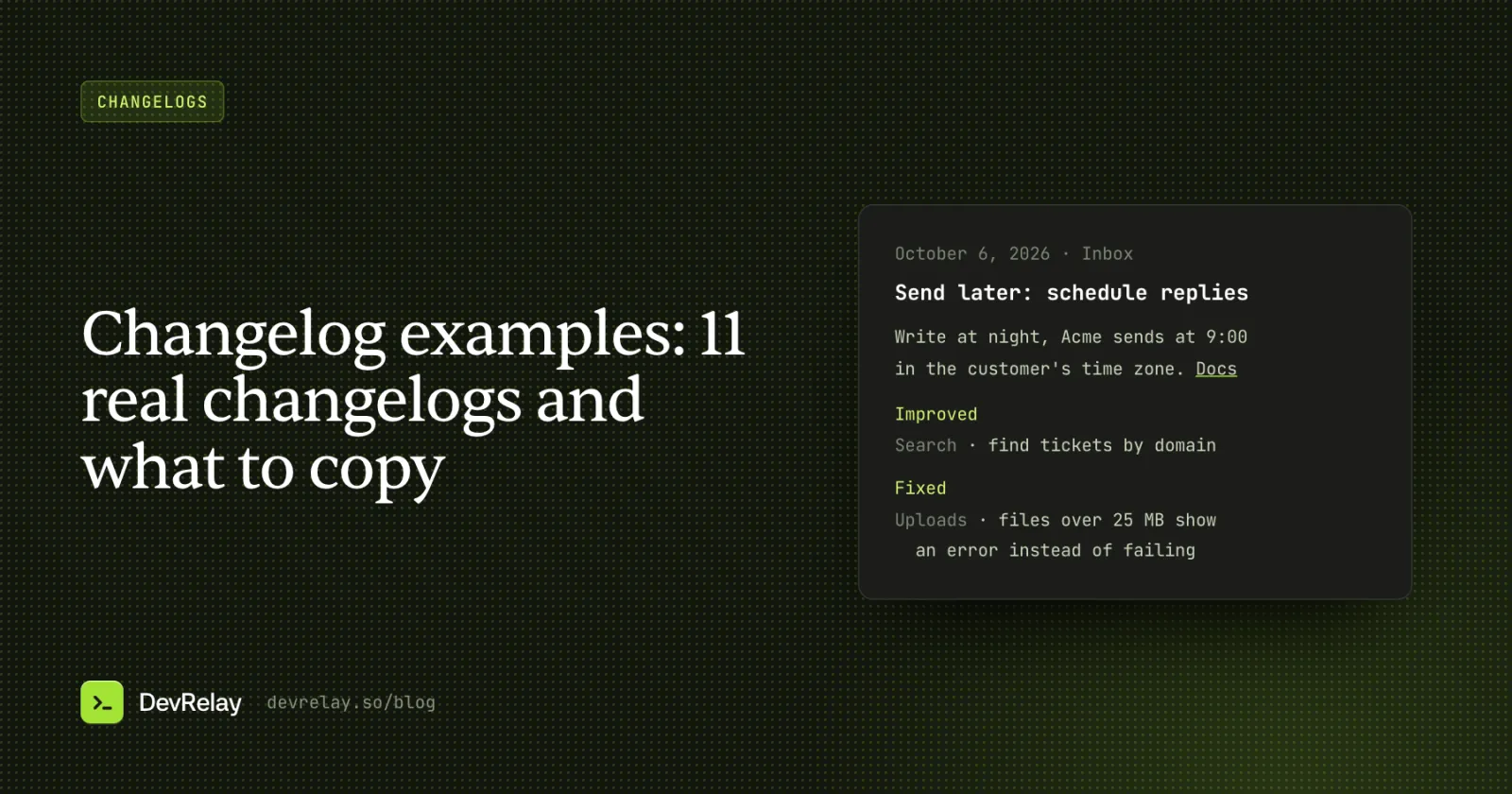
Here's one entry for a made-up help desk, Acme, that combines the patterns above: a headline feature, a summary that stands alone, a deprecation with a date and replacement, labelled lists and links to docs.
## Send later: schedule replies for the right time
October 6, 2026 · Inbox

You can now choose when a reply goes out. Write it at night,
pick 9:00 in the customer's time zone, and Acme sends it then.
[How to schedule a reply](https://acme.example/docs/send-later)

### Deprecated
- The /v1/replies endpoint stops working on January 15, 2027.
  Use /v2/replies, which accepts `send_at`. [Migration guide](https://acme.example/docs/v2)

### Improved
- Search: find tickets by the customer's email domain.

### Fixed
- Attachments: files over 25 MB now show an error instead of failing quietly.
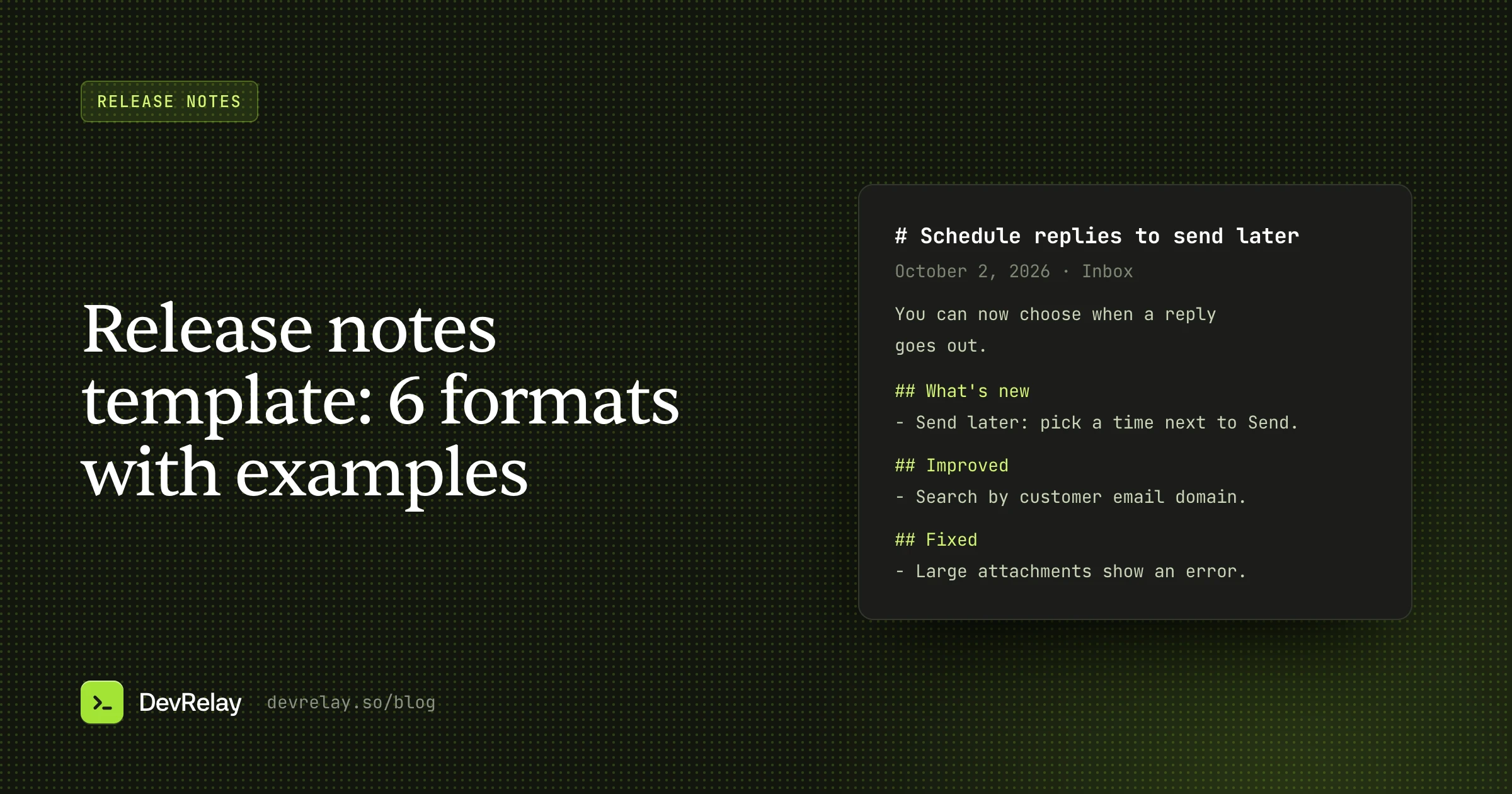
For a SaaS product, this can be the whole entry on your changelog page. A library would put the same lines under a version heading in CHANGELOG.md, and the release notes template post shows how to turn the same facts into an email or an app store note.
Changelog checklist
Before you publish an entry, check that:
- The title names the change, not the version alone.
- The first two sentences say what users can now do, or what changed for them.
- Anything breaking or deprecated comes first, with a date and what to do instead.
- Each line describes what a user sees, not what the code does.
- Each line is labelled by type or area, so readers can skip what they don't use.
- A number appears only if you measured it.
- New features link to the docs.
- Readers can subscribe by RSS, email or social, and the entry has its own URL to share.
How DevRelay does it
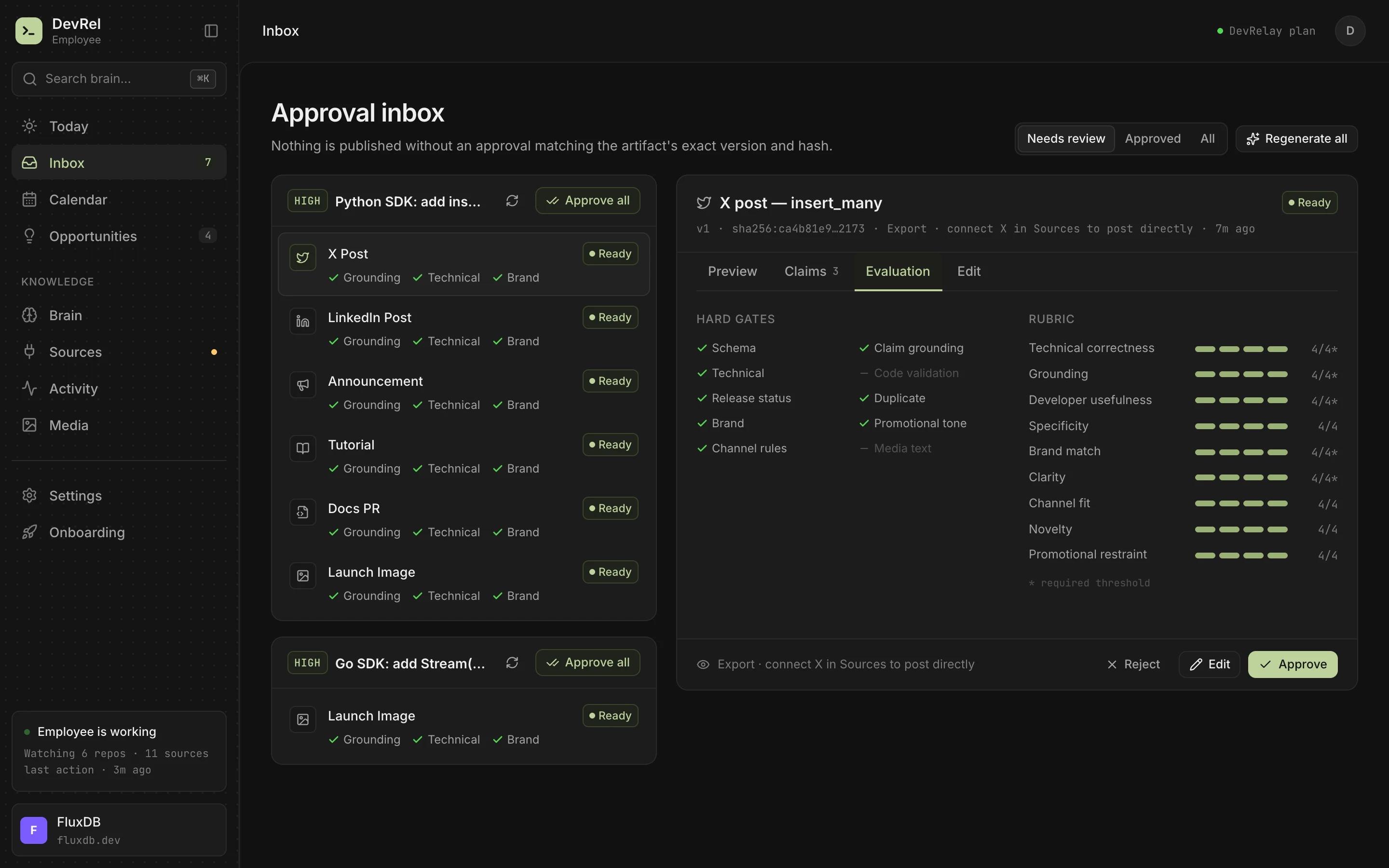
DevRelay writes changelog entries in the shape these examples share. It watches your GitHub repositories, waits for the release (a merge alone isn't treated as shipped), and reads the pull requests and diffs in it. Its changelog generator drafts one entry per release, grouped as New, Improved, Fixed and Changed, in words your product's users would recognise. Changes nobody would notice are left out, and a maintenance-only release gets no entry at all, which is a better answer than a filler line. From the same facts it can draft the release announcement and X and LinkedIn posts.
Every line is checked against the release before you see it, and nothing goes out until you approve it.
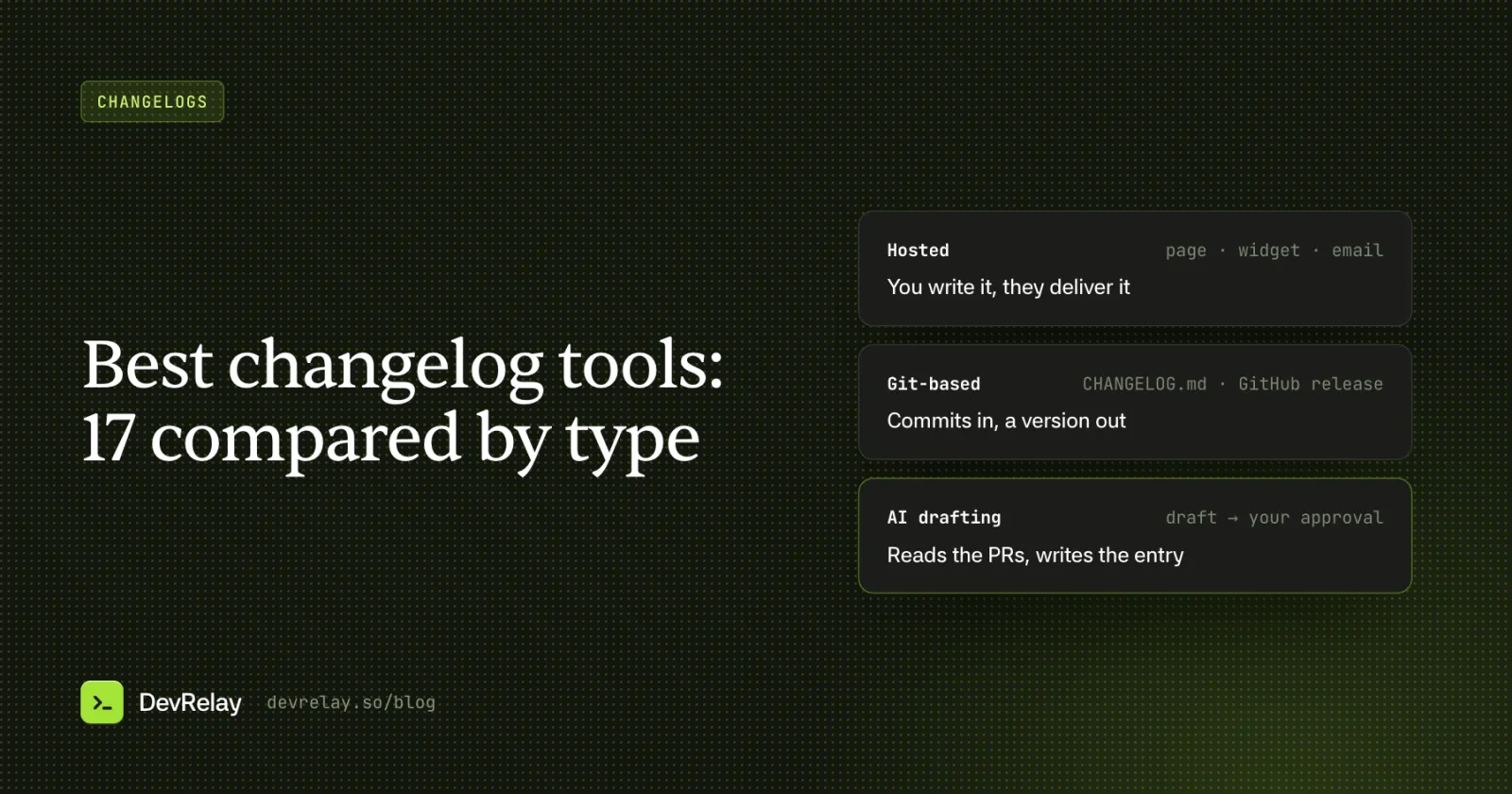
If you're choosing a tool to host or generate your changelog, our comparison of the best changelog tools covers 17 of them by type.
Frequently asked questions
What is a good example of a changelog?
For a SaaS product, Linear's changelog is a good model: one headline feature per post, explained with screenshots, followed by short Improvements and Fixes lists labelled by area. For an open source library, Keep a Changelog's own CHANGELOG.md shows the reference format: an Unreleased section, dated versions, and fixed sections like Added and Fixed.
What should be included in a changelog?
Each entry needs a date or version, a title that names the change, a sentence or two on what users can now do, and the changes grouped by type, with anything breaking or deprecated first. Add links to the docs for new features, and leave out internal work users never see.
How do you write a changelog entry?
Write it for the person affected. Name the change in the title, say what they can now do or what behaves differently, give the date and the replacement for anything going away, and link to the docs. One line per smaller change, described by what a user sees rather than what the code does.
Should a changelog use version numbers or dates?
Use versions when readers install or pin a version, as with libraries, SDKs and APIs. Use dates when everyone is always on the latest version, as with most SaaS products. Some products use both: Notion numbers its big releases and posts smaller updates by date.
What is the difference between a changelog and release notes?
A changelog is the running list of every notable change, release after release. Release notes describe one release for the people it affects, often with more explanation. Our guide to release notes vs changelog covers when you need each.